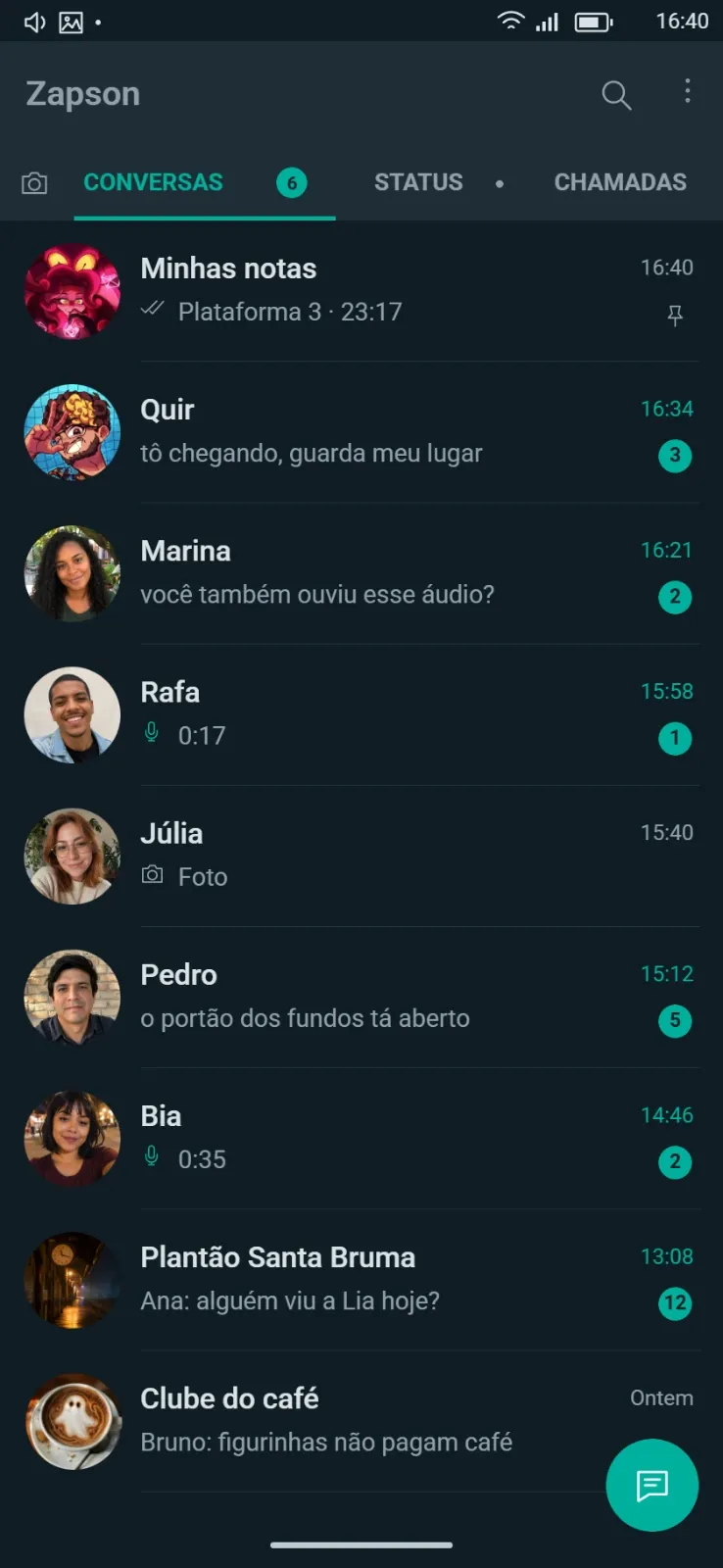
Zapson conversation
Early access
Stage a fictional messaging exchange with Zapson; an unfinished reply can reveal a meeting or a change of plan.
Deliver the clue through the device a character carries: a locked phone, a chat in Zap or Zapson, an incoming call, a Finder profile or a shared social post.
Start with Locked phone when the party still has to get into the device, then reveal the chat, the call or the profile. Keep the exchange short with visible timestamps, and leave the last reply unfinished to pull the next scene forward.
Access conditions come from the catalog. Opening a preview does not unlock a restricted template.
Early access
Stage a fictional messaging exchange with Zapson; an unfinished reply can reveal a meeting or a change of plan.

Premium
Create a short fictional chat that points players toward a person, place or time in a modern RPG investigation.
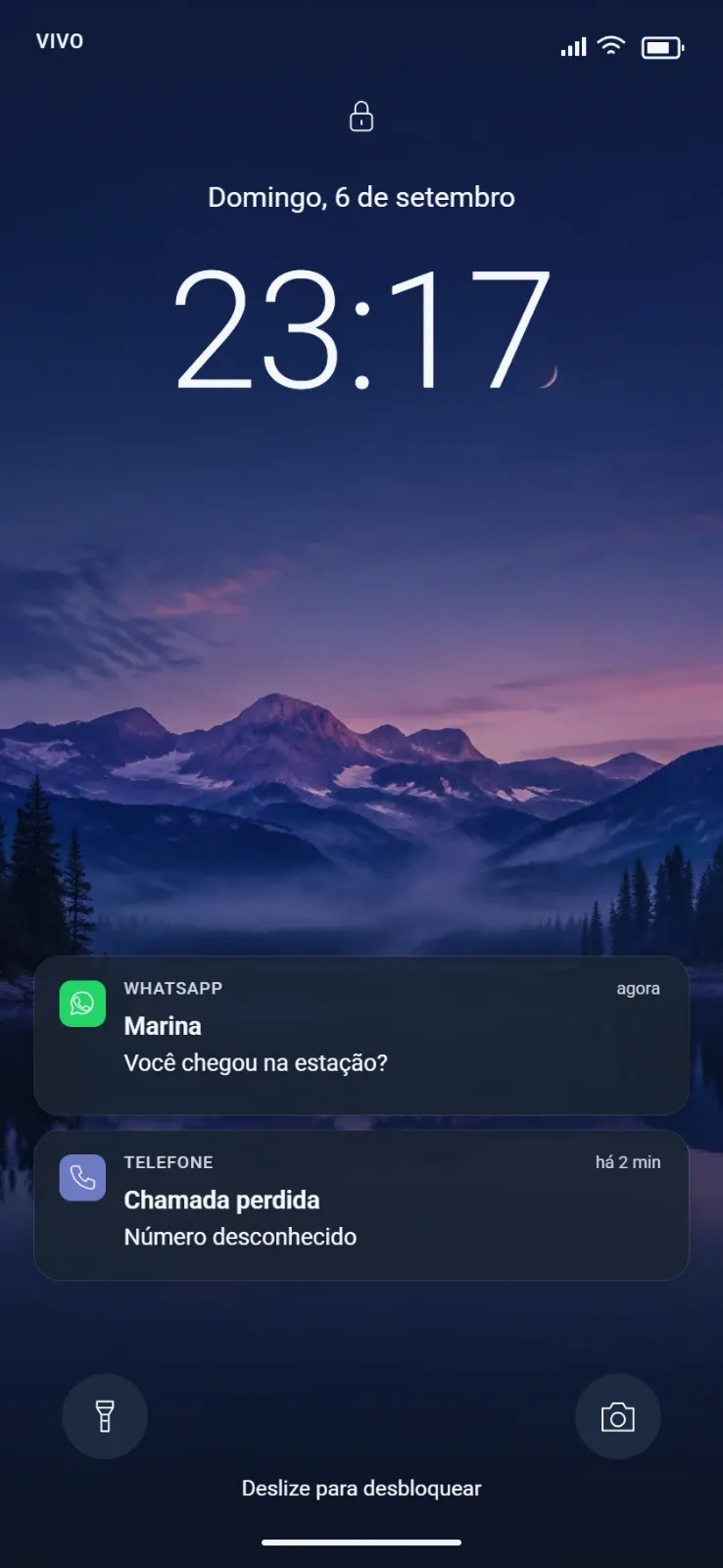
Free
Introduce a locked mobile phone as a clue; choose which visible information creates a lead without revealing the whole conversation.
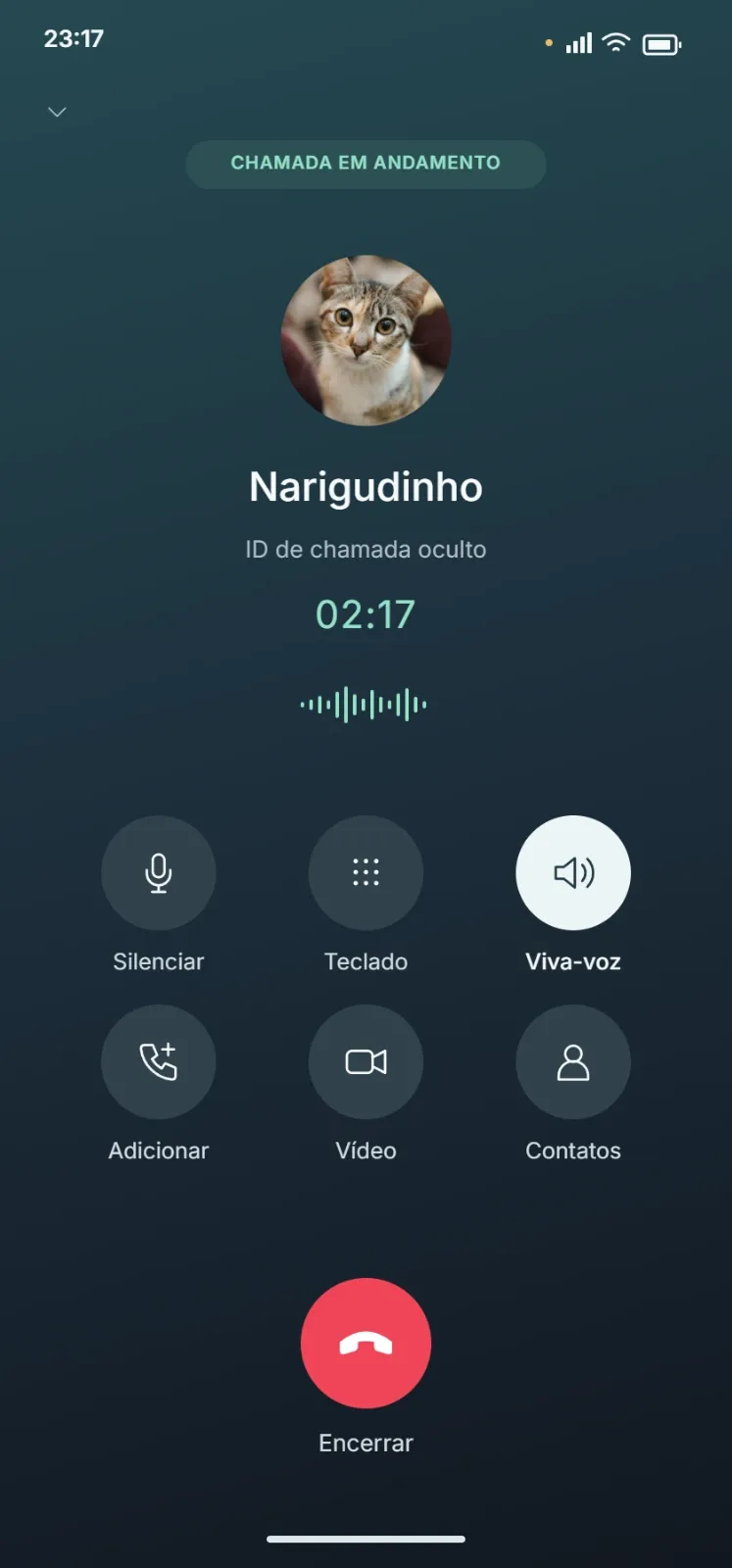
Premium
Introduce a call from a significant contact and decide why its timing matters to the characters’ investigation.
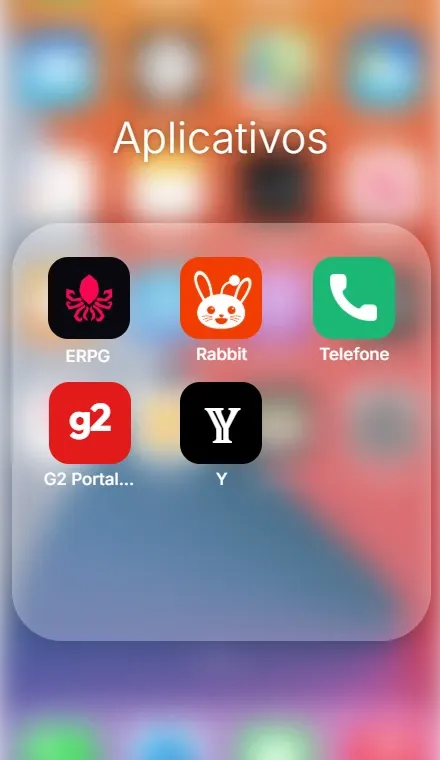
Free
Present a folder of phone applications and use the choice of apps to suggest the owner’s habits or contacts.

Early access
Publish a fictional FanBook post whose linked story connects a public statement to a less obvious source.
Premium
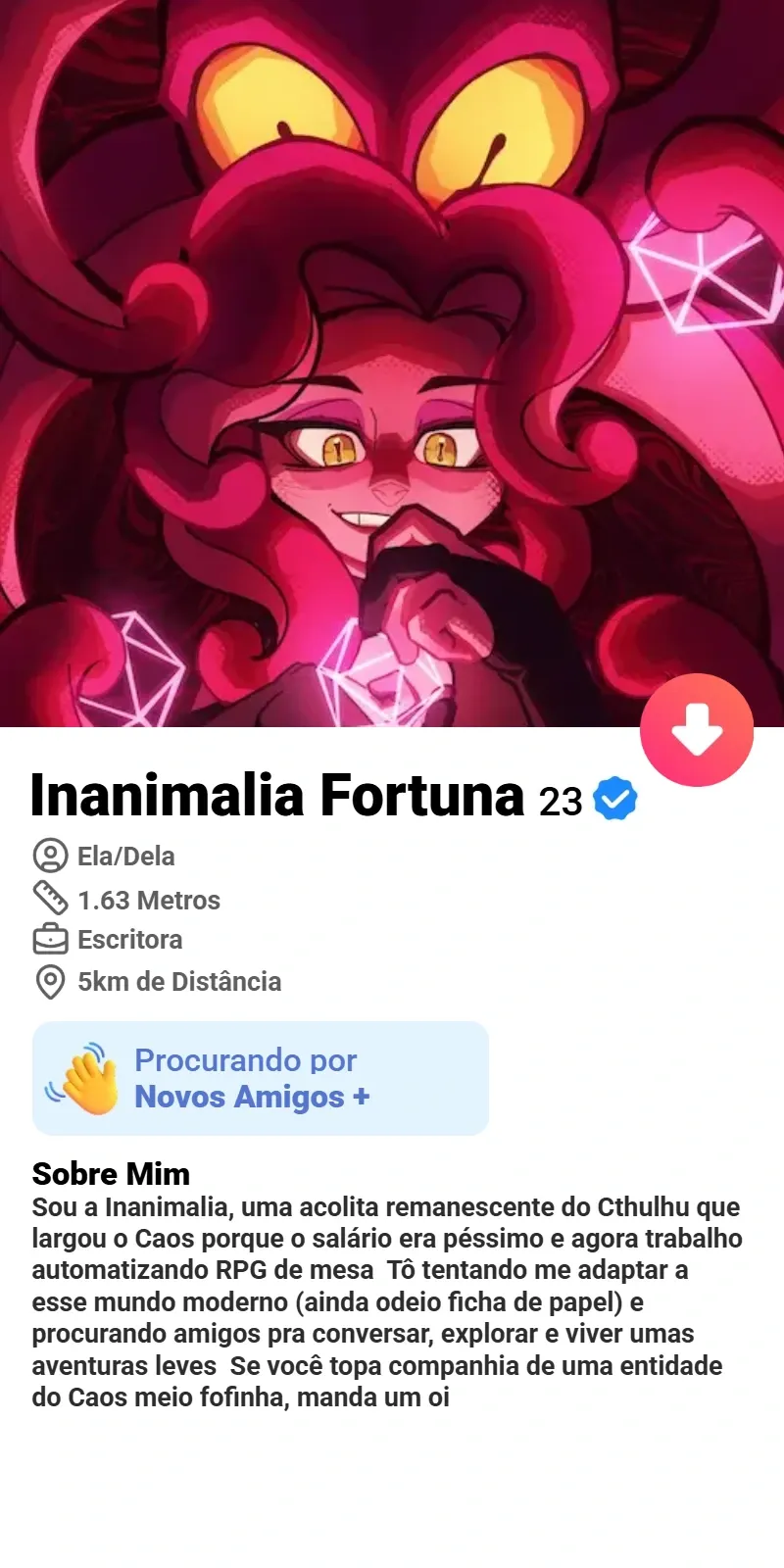
Present a fictional friendship or dating profile that connects an alias to a meeting, photograph or recurring location.
Free
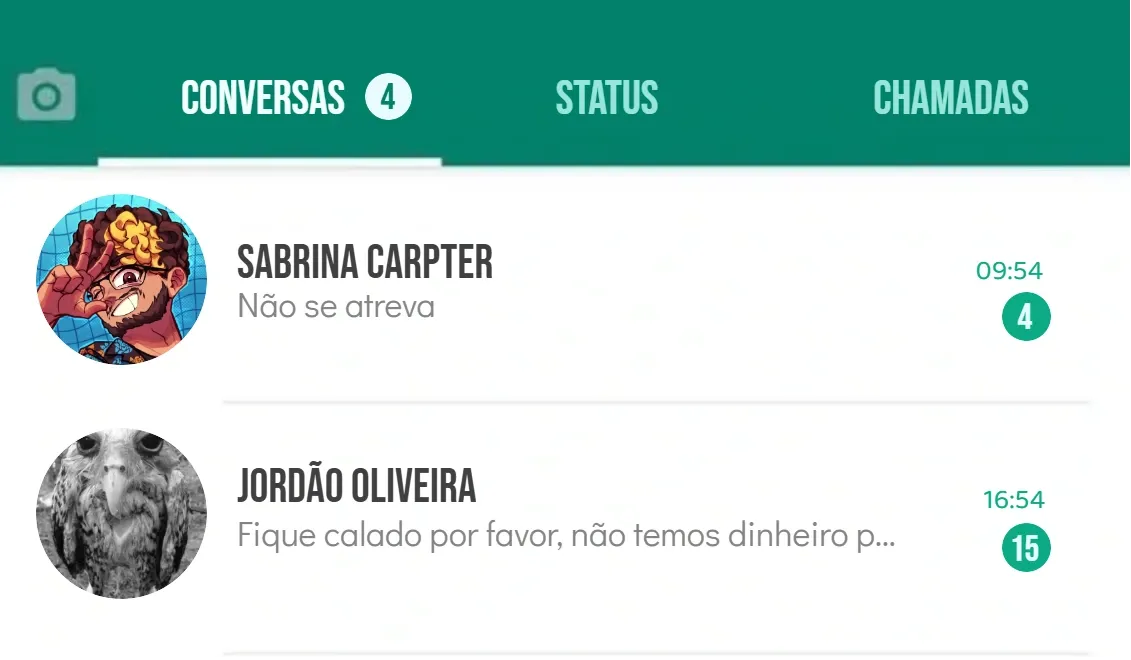
Present an open messaging app as evidence, using a recent exchange to reveal a contact or a missing part of the timeline.