
Wiki perdia article
Premium
Present a fictional encyclopedia entry with questionable information; let players compare its account with another source.
Show what was left open on someone's machine: a desktop, a lock screen, an old terminal, an inbox, a forum thread or a fictional encyclopedia entry.
Use the lock screen or the old terminal to introduce the computer's owner, and save the email, the forum or Wiki perdia for the discovery. One window with useful information and one with doubtful information give the party something to compare.
Access conditions come from the catalog. Opening a preview does not unlock a restricted template.
Premium
Present a fictional encyclopedia entry with questionable information; let players compare its account with another source.
Premium
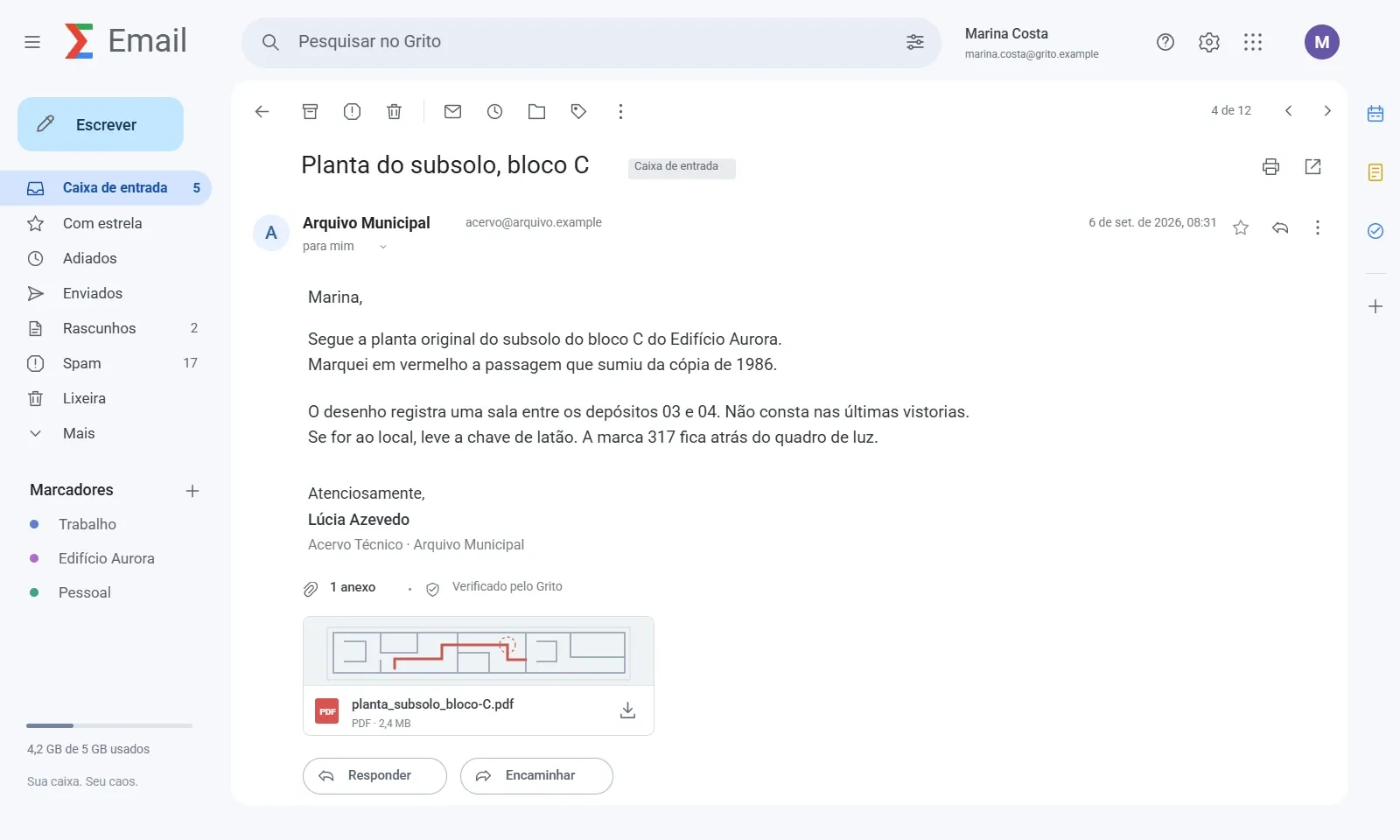
Build an email clue with a sender, subject and an actionable request for a contemporary mystery.
Free
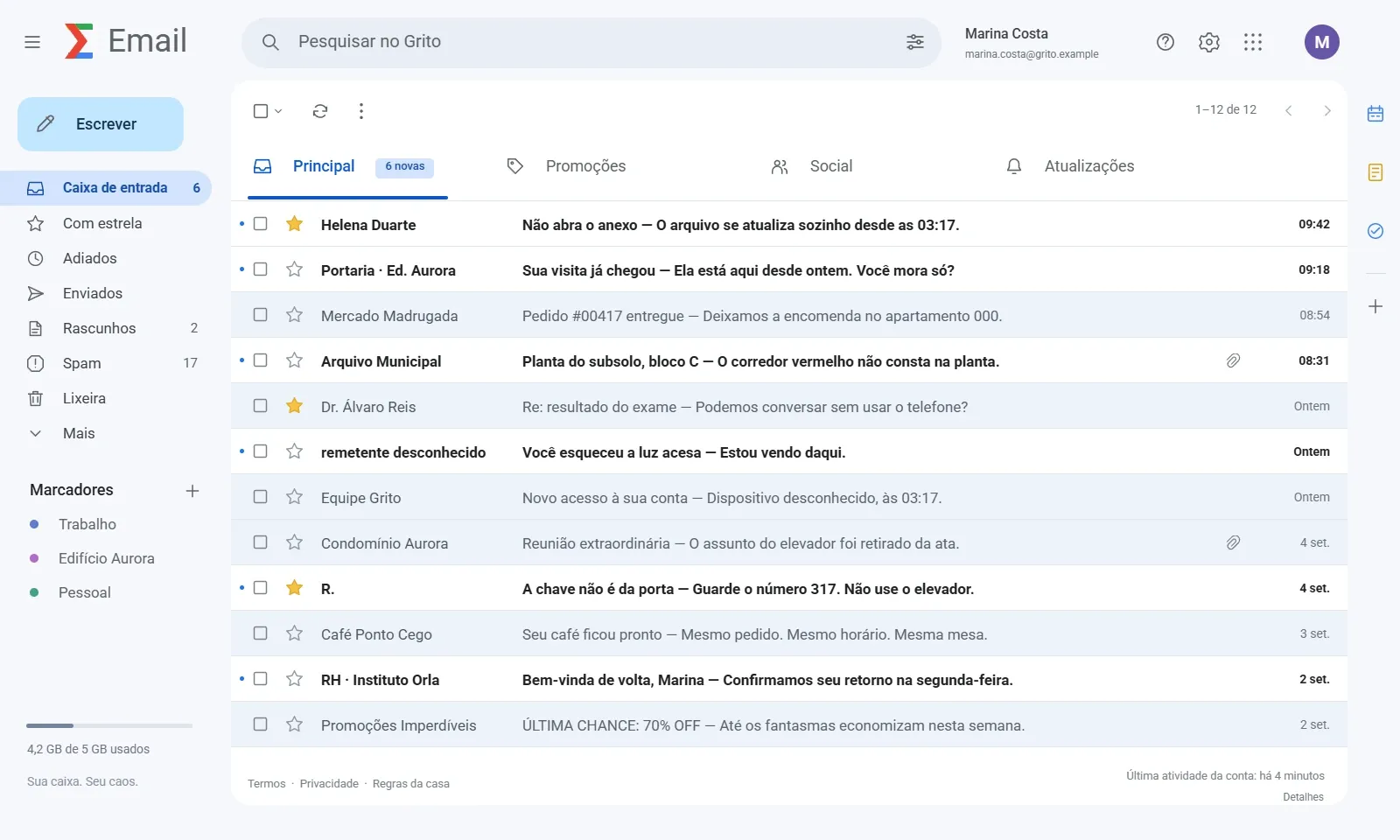
Show a fictional inbox where several subjects suggest relationships, missed warnings or an appointment worth investigating.
Premium
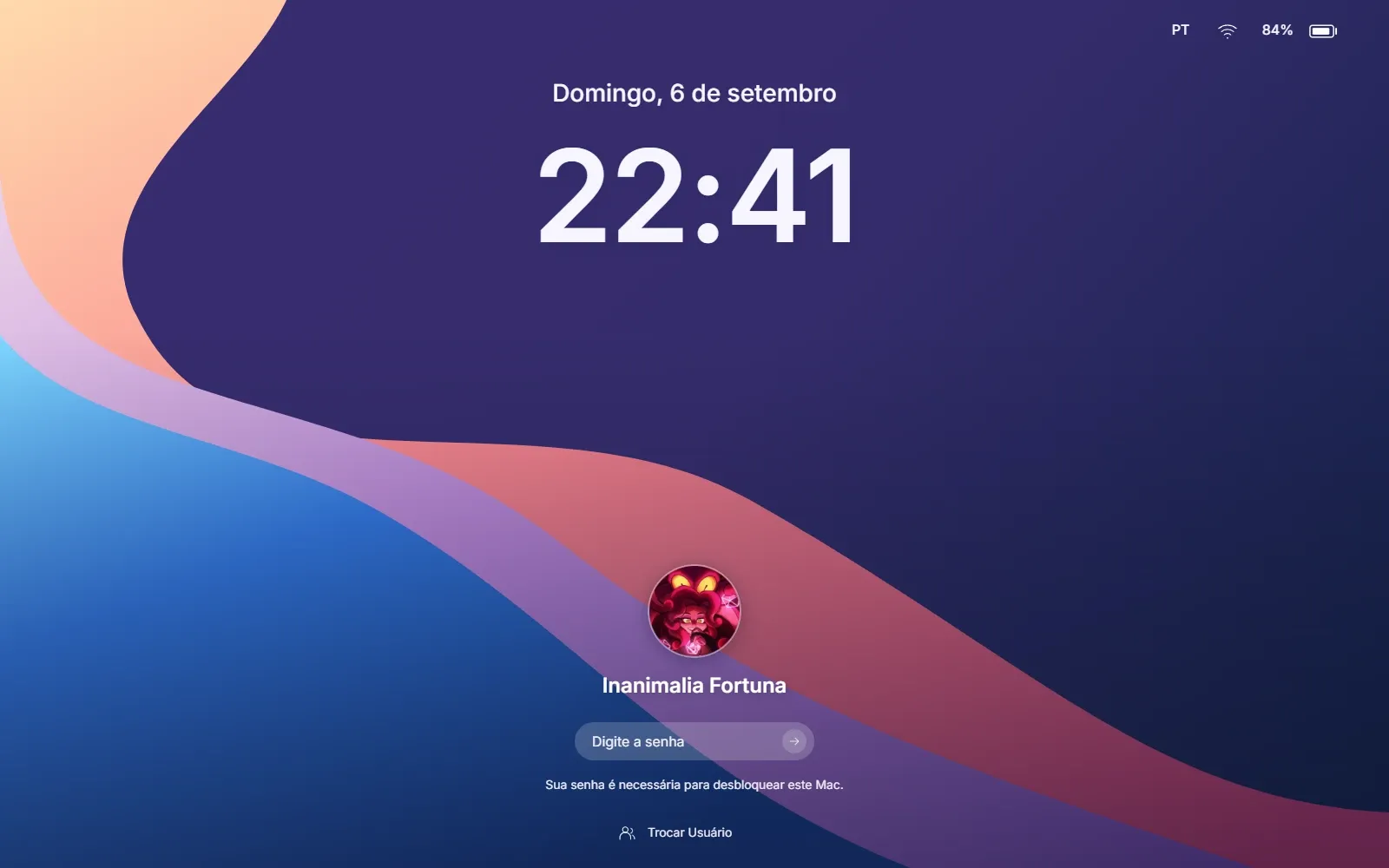
Use a fictional Mex OS computer screen to establish who used the machine and what they were trying to find.
Premium
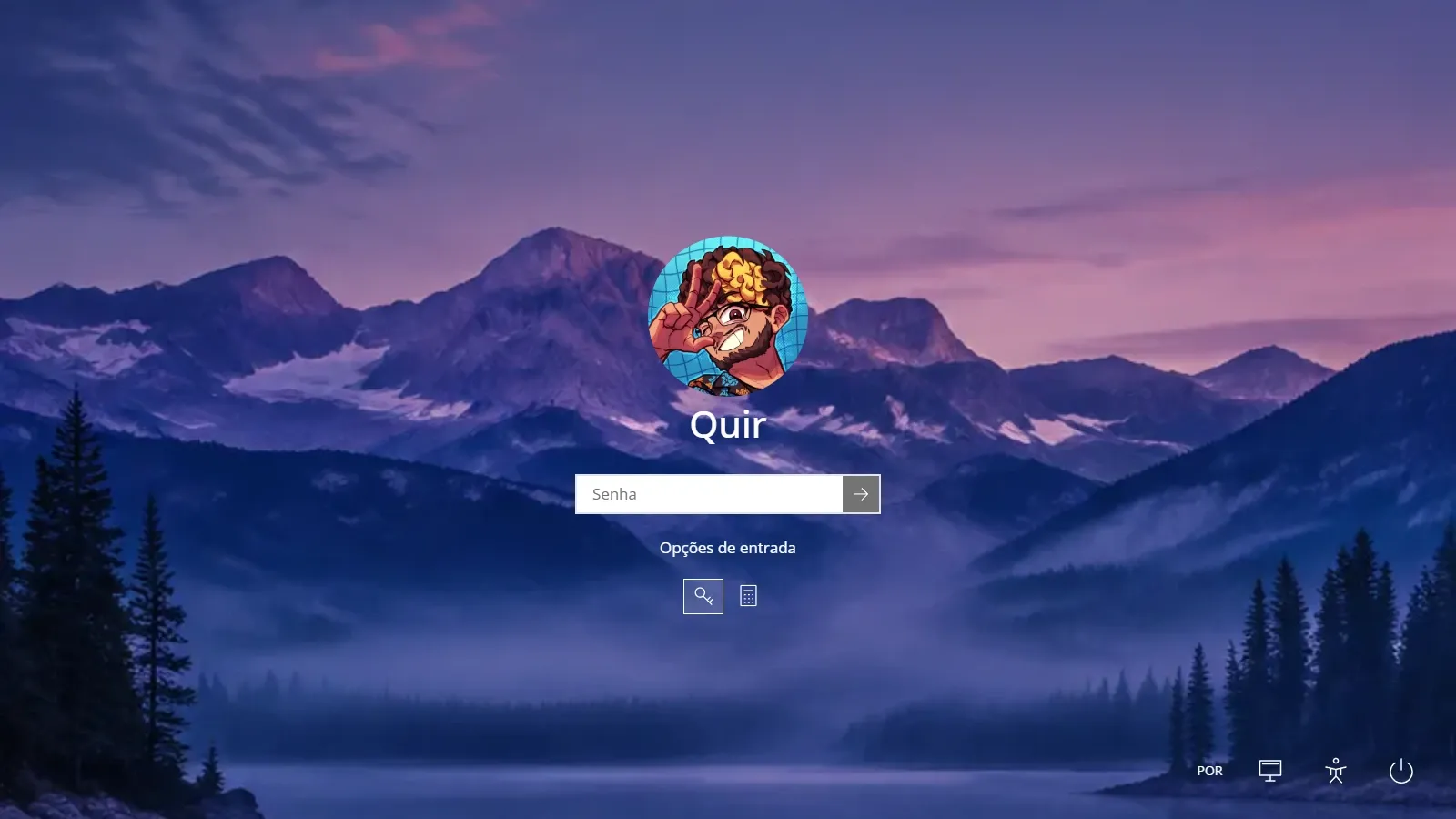
Set a contemporary computer scene with Winderson 10; connect the screen’s contents to an NPC’s recent activity.
Premium
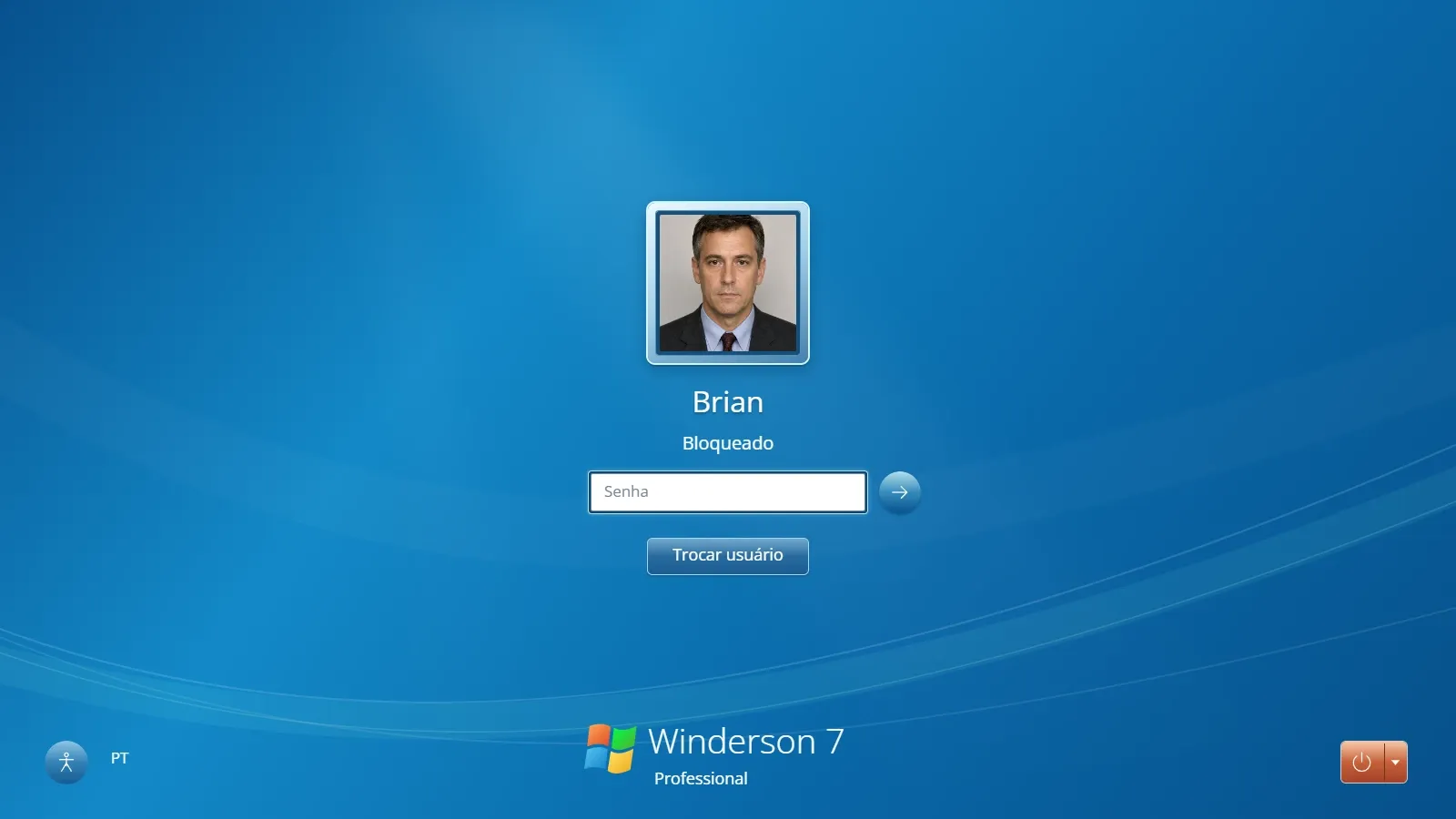
Use a computer lock screen as the first trace of its owner, leaving the contents of the session unresolved.

Early access
Present a discussion on a fictional online forum, mixing useful testimony with speculation the group must evaluate.
Free
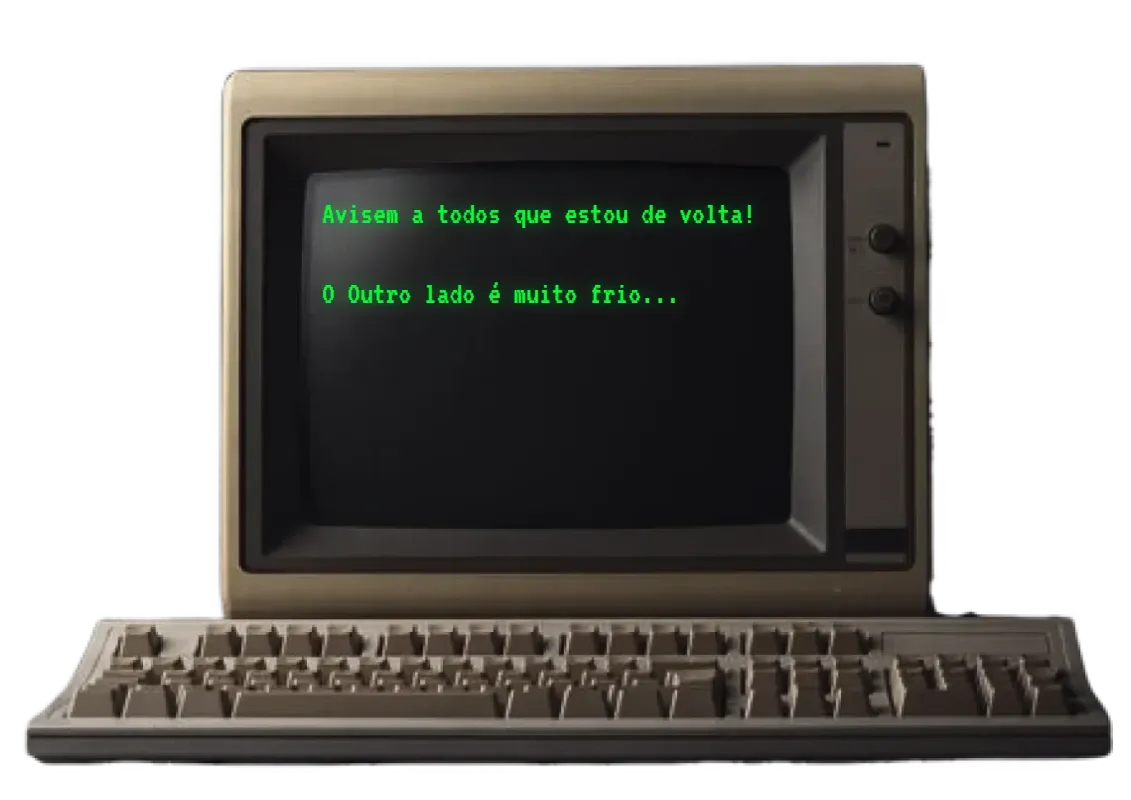
Use an old computer display for an archival discovery, a forgotten command or the last trace of a previous operator.