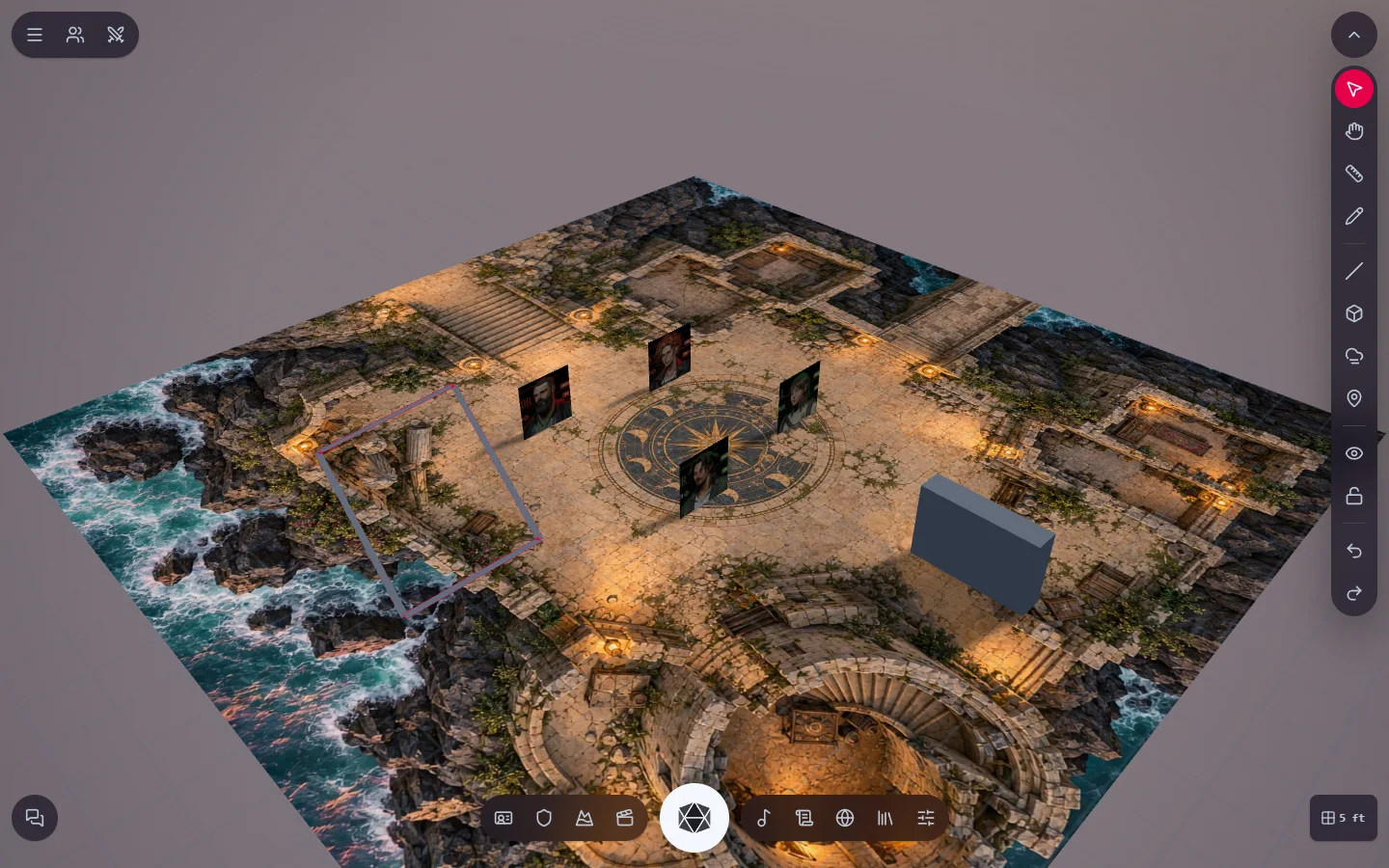
Walls and doors
Draw walls that block sight and movement. Doors open and close during play.
3D battle maps
Drop your map on the table, raise walls, place tokens and see the scene in perspective. Rain, fog and the time of day set the mood of the fight, and your group follows along live.
Free to start and system-agnostic: the table works with any RPG.
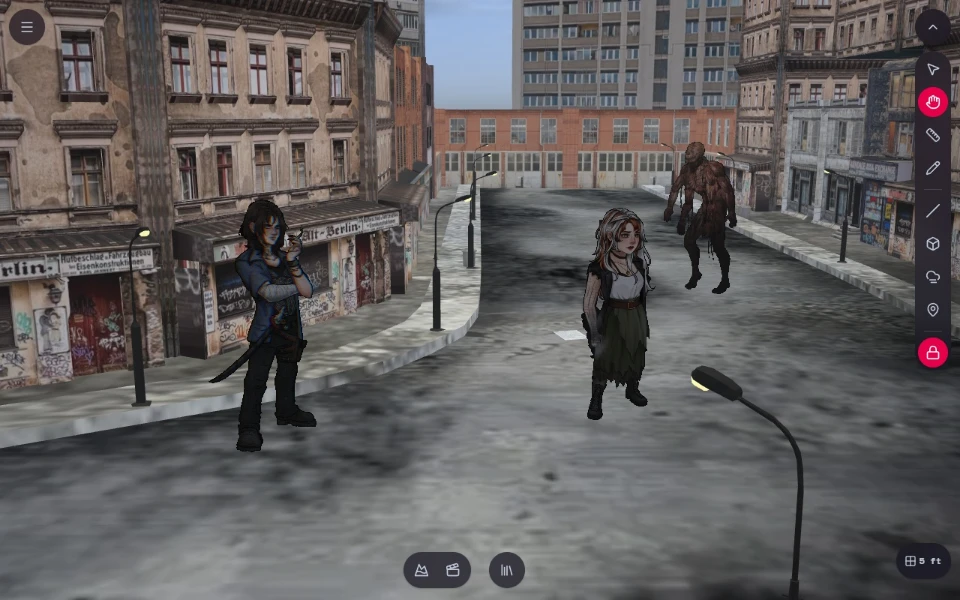
The tools sit on the side of the table and work in any map scene, 2D or 3D.
Draw walls that block sight and movement. Doors open and close during play.
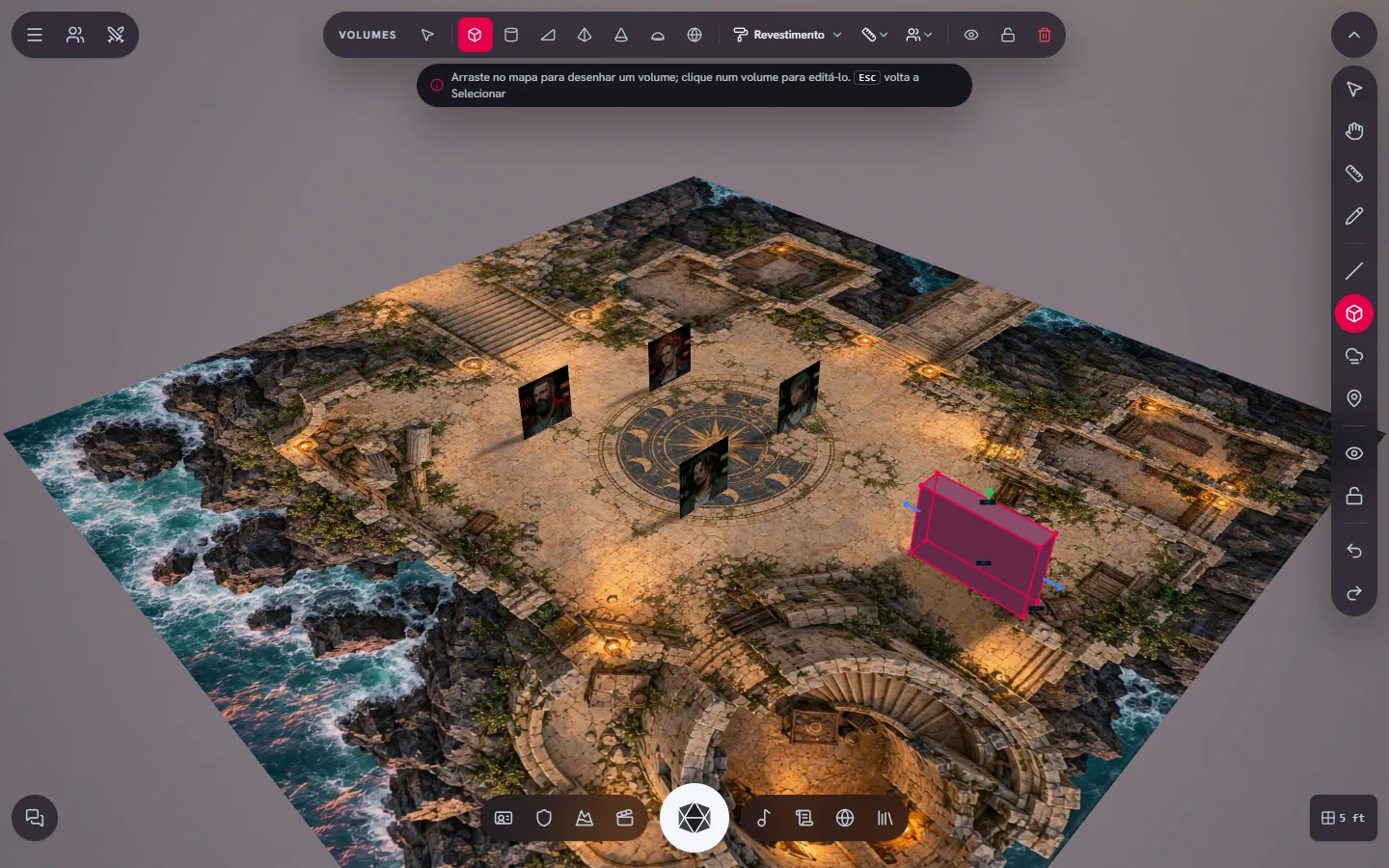
Box, cylinder, ramp, pyramid, cone, dome and sphere, with surface textures, to give height to walls, pillars and terrain.
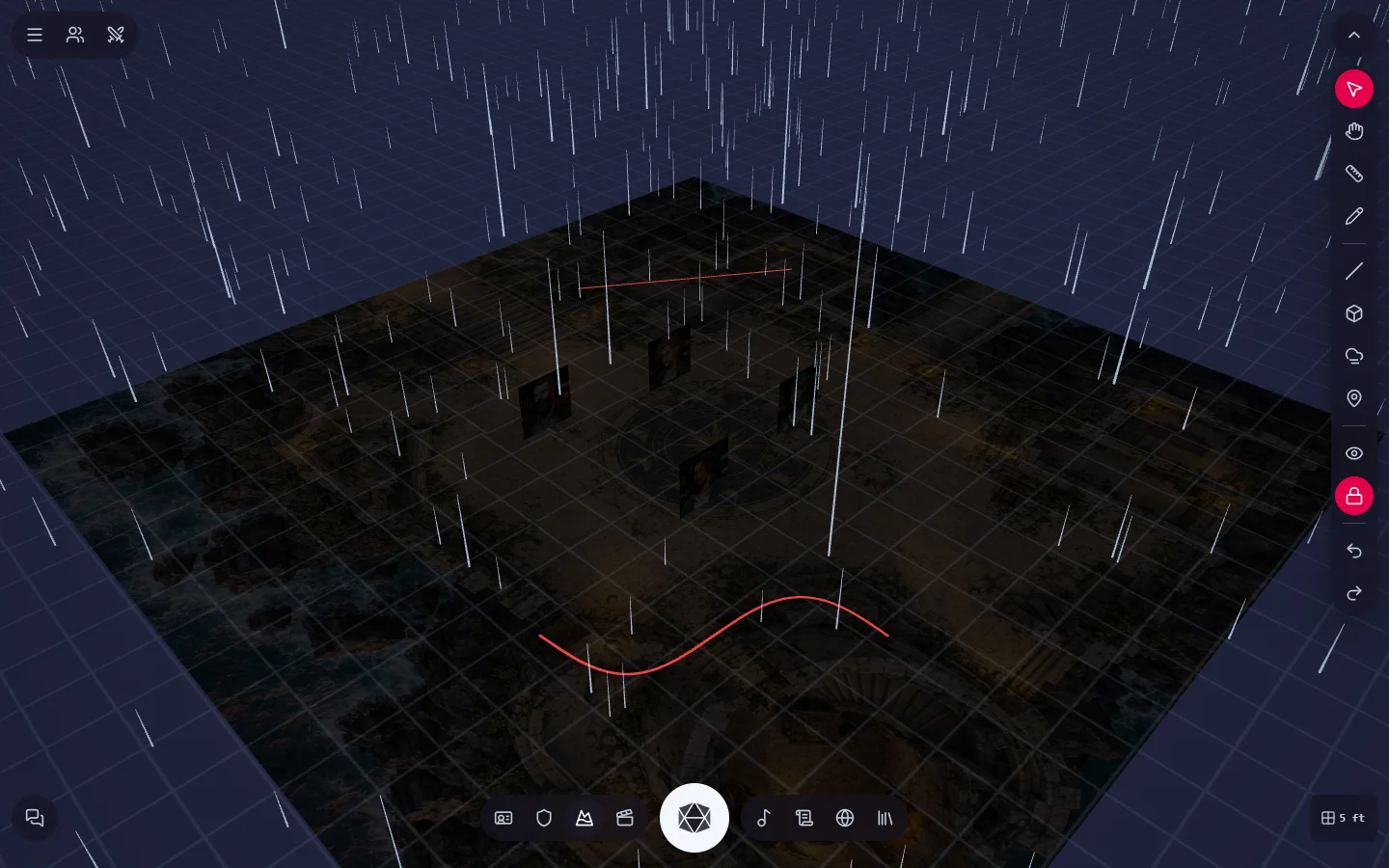
Dawn, day, afternoon or night, with automatic progression. Sun, rain, storm, snow, fog and even a lightning strike on cue.
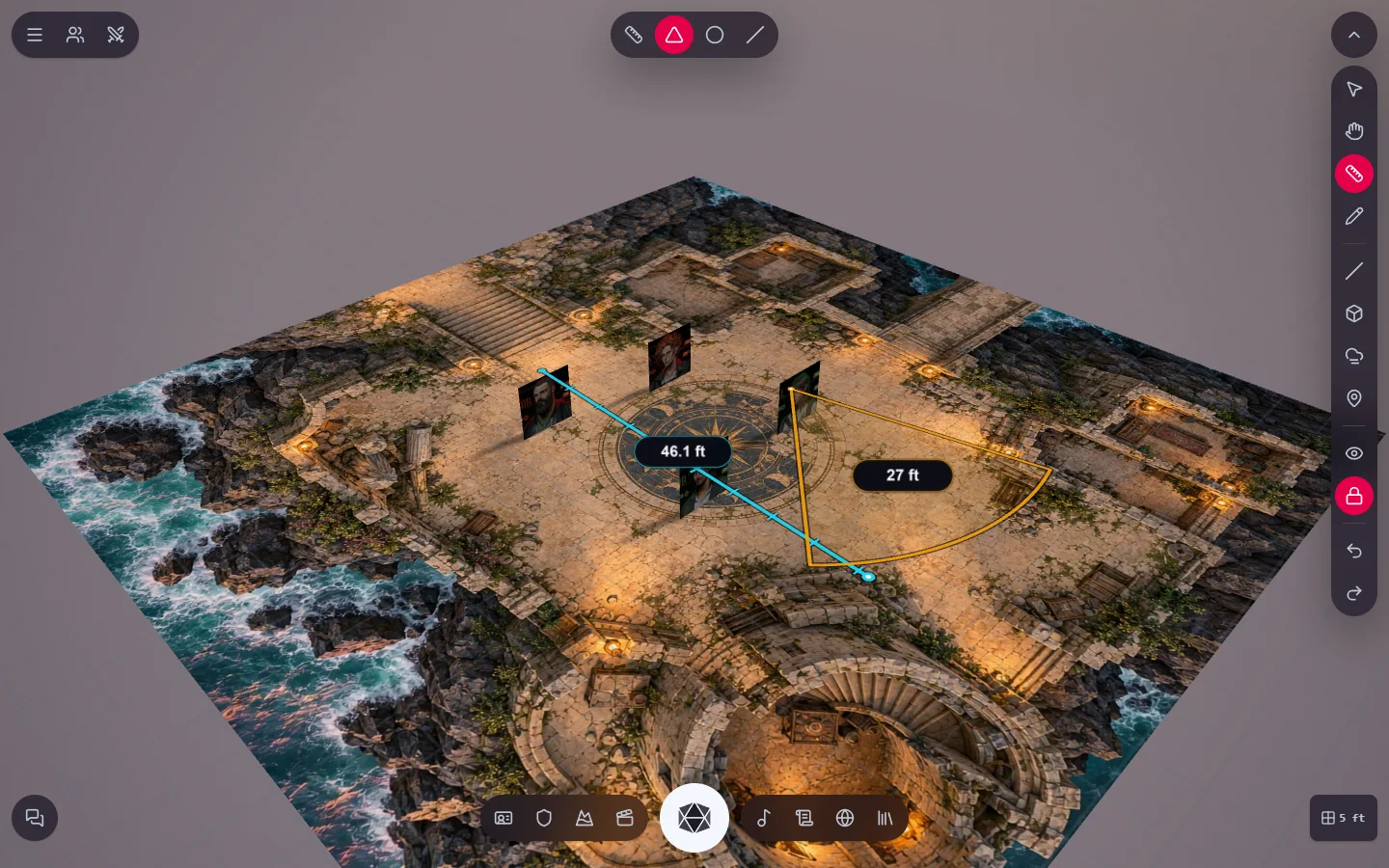
Ruler, cone, circle and line on the grid scale, for movement, spells and areas of effect.
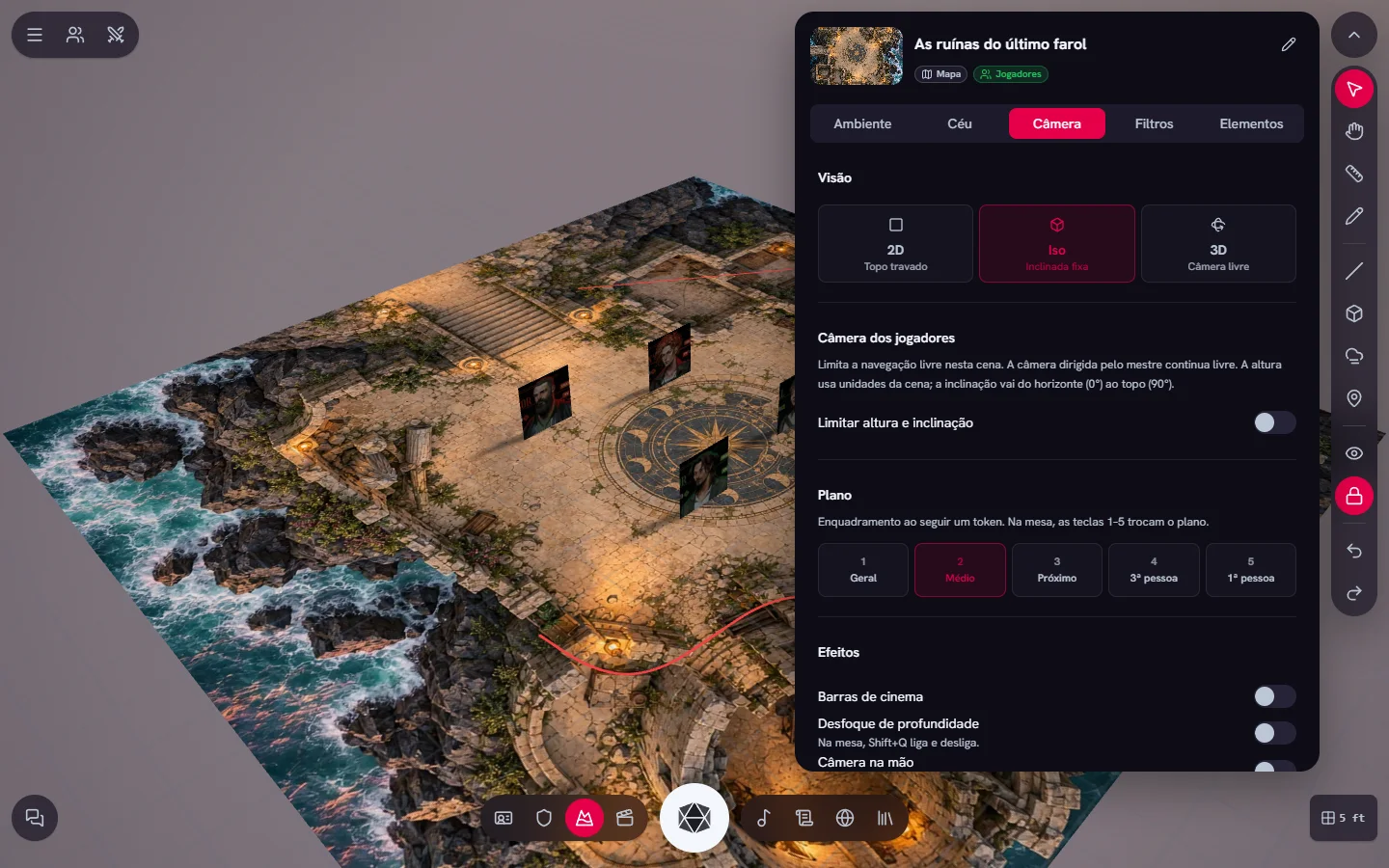
Choose the view, limit the players' camera and use shots, cinema bars and depth of field.
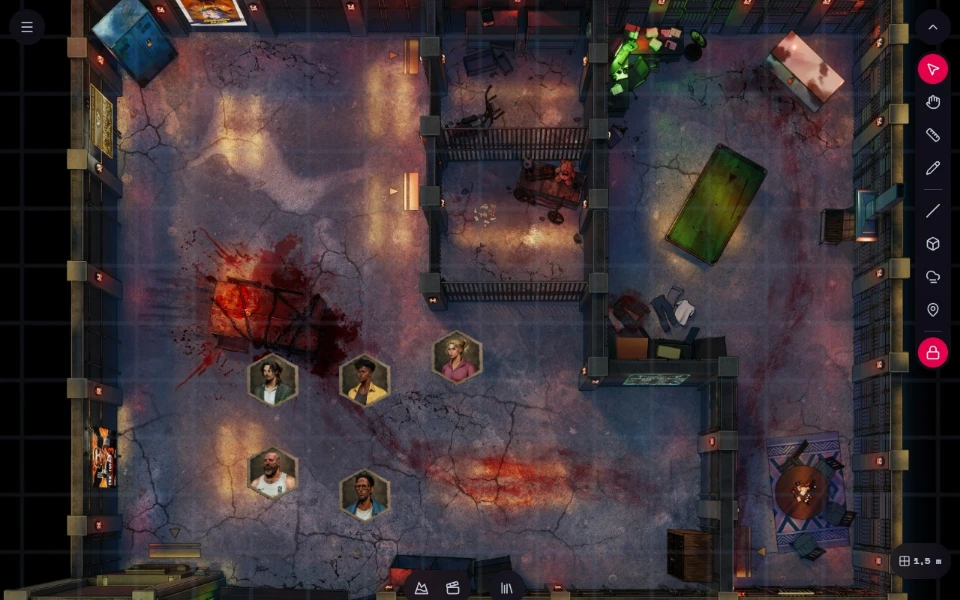
Prefer a top-down map? The same scene works in 2D, with grid, tokens, fog and walls.
Create a 3D scene and drag a map from the library or upload your own image.
Drag your party's and NPCs' sheets onto the map. The token uses the sheet portrait, flat or standing.
Invite the group with the adventure link or code, then use Bring players to take everyone to the scene.
Do you picture the fight in your head or move tokens on a grid? Here is the difference between theater of the mind and battle maps, with the strengths of each.
Flat circular tokens have ruled the virtual tabletop for years. Now 3D and 2.5D miniatures are changing how online maps look and feel. Here is what 3D tokens are, why they matter, and how to use them well.
Azgaar, Watabou, donjon, Inkarnate and Mini Kraken's fractal world generator — which free map tool fits which scale, and how to get a usable campaign map in one evening instead of six months.
How to make animated RPG tokens that actually work in Foundry, Roll20 and Owlbear Rodeo — the formats each one accepts, why perfect loops matter, and the restraint that keeps a map readable.
Create an adventure, open the table and place your first map in a few minutes.