A Cthulhu Architect alternative: making handouts with Mini Kraken
Compare the Cthulhu Architect Handout Generator workflow with Mini Kraken's editor and choose how to make documents and clues for your RPG campaign.
If you are looking for a Cthulhu Architect Handout Generator alternative, Mini Kraken offers a document editor with layers inside an RPG platform. The choice depends on the templates you need and how you intend to prepare, revise and use handouts during your campaign.
This article is published by Mini Kraken and presents our workflow. Information about the other tool was checked against the official Cthulhu Architect Handout Generator homepage on September 15, 2026. We have not performed a comparative performance test or evaluated every function of both tools.
What each tool offers
Cthulhu Architect Handout Generator: its official page describes drag-and-drop editing with text and images, alongside a catalog of handouts to customize. The tool focuses on handout creation.
Mini Kraken: the editor organizes text and images in layers. Its library offers public template previews, and documents live in the same platform as character sheets and campaigns.
Choose around the document you need. A card, newspaper and long letter place different demands on an editor. Open a preview, check its proportions and try replacing the text. A template close to your intended result may matter more than a long feature list.
When to try Mini Kraken
Mini Kraken is worth trying if you want to prepare documents in Portuguese or English, combine elements in layers or work on handouts alongside other campaign materials. The RPG handouts page introduces the workflow and lets you open template previews before creating a document.
Check each template's access conditions in the library. Some are free and others have restricted access; do not assume that every template has the same terms. Check the export options available for the document you are creating as well.
Compare using a document you actually need
Try this short exercise in both tools:
- Choose a letter your next session will use.
- Write two paragraphs with accented names, a date and an address.
- Add an image and signature while keeping the paragraphs readable.
- Change the text size and check whether the layout still works.
- Save, reopen and revise a sentence.
- Inspect the available output options and open the result on your players' device.
Record where you encounter friction: selecting a template, aligning text, revising content or delivering the file. That gives you a useful comparison for your own preparation habits. These steps are a suggested exercise, not a benchmark we have already conducted or a claim that one tool will be faster for everyone.
Make your first Mini Kraken handout
Open the library to find a template or enter the handout editor. The creation flow may ask you to sign in. Define the clue first, then arrange the background, text and images. Make a preview and check readability outside the editor before the session.
If you need text, start with the letter and diary examples. For investigative horror, the Cthulhu handout guide provides a newspaper, diary and receipt connected to one mystery.
Do I need to migrate my files to try it?
You do not need to move an entire campaign. Make a new document for one session and evaluate the workflow. This guide does not promise import support for editable Cthulhu Architect projects; check compatibility with the format you intend to use.
Are Cthulhu handouts only for Call of Cthulhu?
A fictional letter or report can be adapted to many games. Its period, language and clues determine how it fits the adventure. To start from scratch, read how to make an RPG handout.
Try editable documents
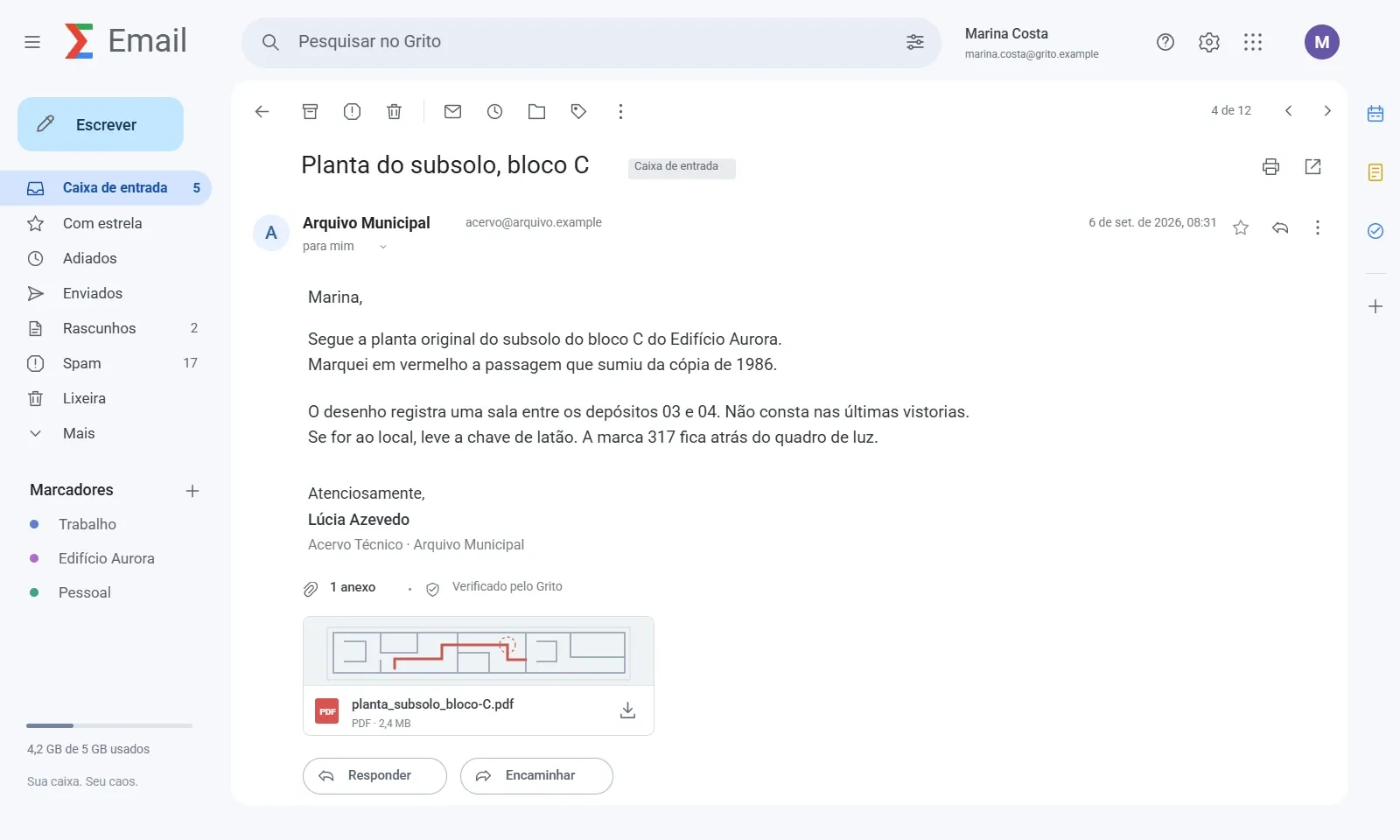
Choose a format in the template collection or open Email Aberto. The image above previews the existing catalog template. Check its access conditions before editing.
On September 15, 2026, the official Cthulhu Architect homepage advertises more than 350 free handouts and PNG, JPG, WEBP, PDF and FoundryVTT output. These are the provider’s claims, not our benchmark. ERPG includes free and restricted templates; check the preview and editor options for your chosen document.