Ordem Paranormal handouts: adapt existing ERPG templates
Adapt Bilhete, Polaroid Velha, Relatório da Fundação and other ERPG templates. Learn what each file contains and what to change for your campaign.
To prepare Ordem Paranormal handouts with ERPG, start with the object the investigators will find: a personal note, a photograph, a credential or a report. The catalog provides bases for these formats, including documents with visual references to other settings. Adapt both the wording and the appearance.
This independent guide uses existing templates from the investigation collection. Scene suggestions are examples for your campaign. Template names remain as they appear in the library.
What the library currently offers
| Template | What the file provides | Access reviewed September 15, 2026 | | --- | --- | --- | | Bilhete | A landscape personal message with separate body and signature text | Free | | Polaroid Velha | A photograph and aged frame, with no ready-made text layer | Free | | Relatório da Fundação | A report with SCP Foundation references, text and images | Free | | Documento do Insurgente | A Guilda Insurgentes credential with identification and institutional details | Free | | Pasta Aberta | An open-folder presentation containing documents | Premium | | Exame Necroscópico | A document presented as a forensic examination | Premium |
Check the current classification on each template page. Template availability and saving or export options follow your account’s conditions.
Bilhete: give the party a short personal lead
Bilhete contains an affectionate message and a signature as separate text elements. Its landscape format suits a note found in a drawer or delivered by someone close to the investigation.
Replace the message with an actionable instruction. For example:
I left the second key with the caretaker. She arrives before seven. If anyone asks about me, say I went to collect the photograph.
Replace the signature too. Work within the available space and check readability before adding another paragraph. Keep the person, time and object easy to find during play.
Polaroid Velha: prepare the visual clue
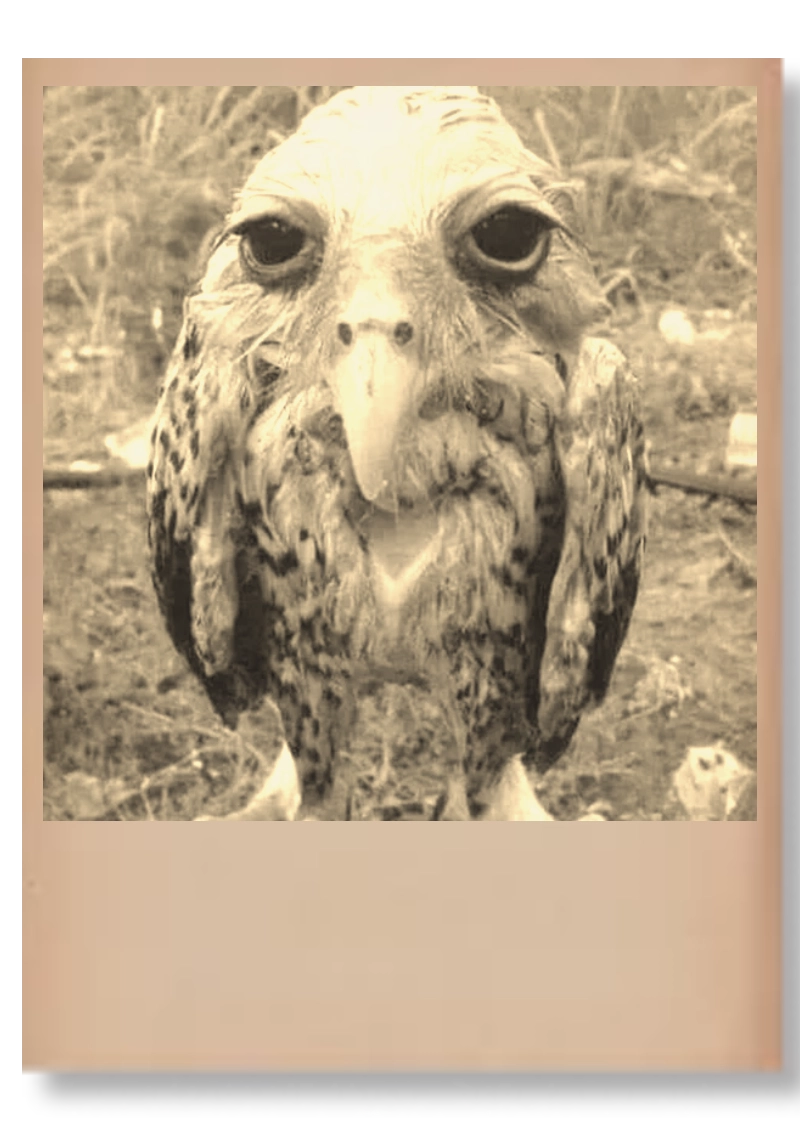
The preview shows an owl. The project has two image layers and no ready-made text annotation. For a different clue, replace the scene image while preserving the frame. To include a date, name or caption, add a text layer in the editor.
A caption such as “Found on the guard’s camera — north gate” can establish the image’s source. Make sure the photograph fits that description. If a visual detail is essential, describe it aloud or provide a transcript alongside the handout.
Relatório da Fundação: review the setting references
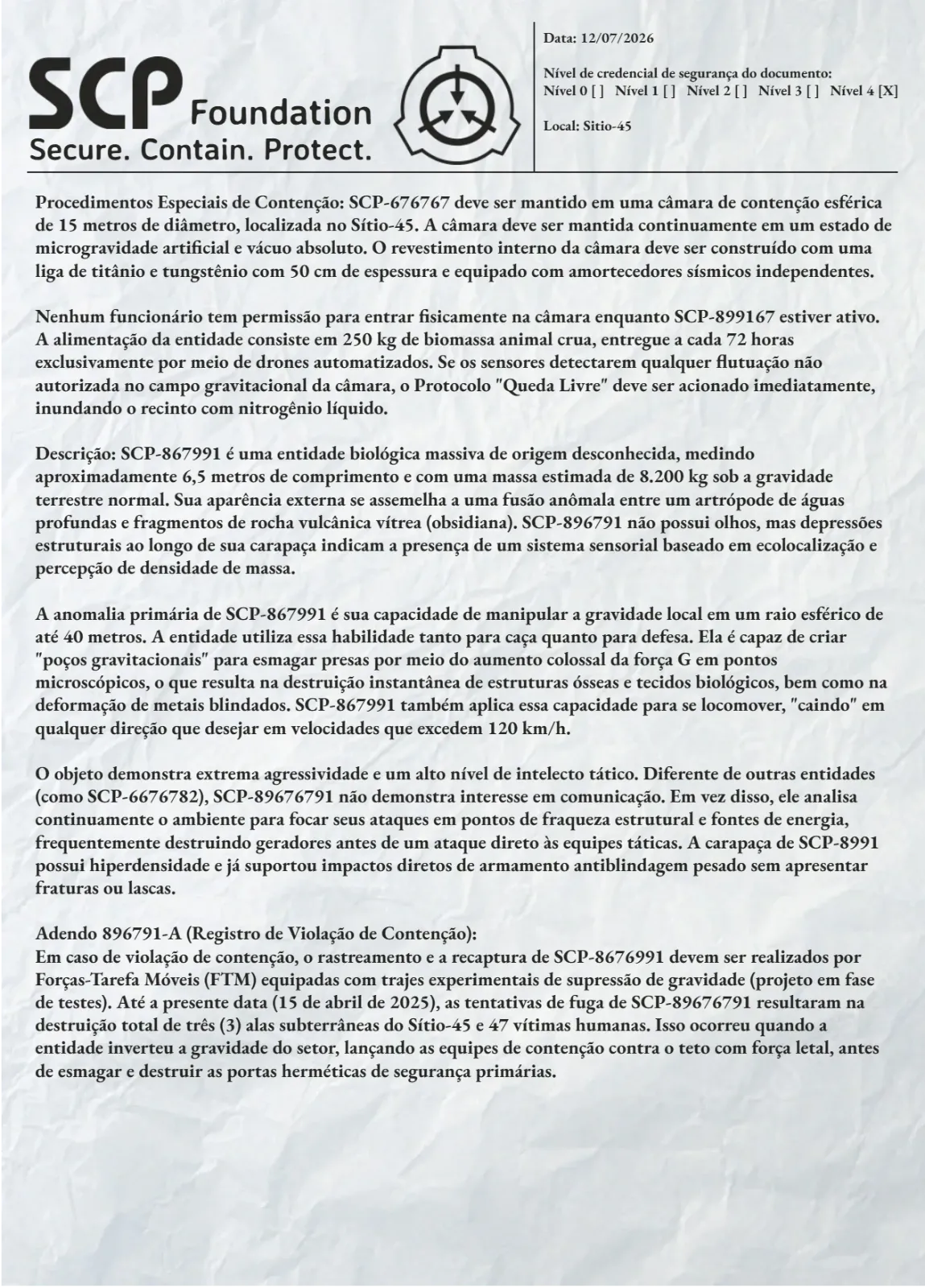
Relatório da Fundação uses SCP references, credential fields and containment text. It can provide a base for an investigation file, with those references revised to fit your table’s organization.
Edit the date, location and report body. Check headings, phrases, symbols and images that identify the original institution. Changing only the case name can leave references to another setting in the document.
If your campaign uses the SCP Foundation itself, the SCP handouts guide pairs this report with Cartão SCP and explains how to connect the two templates.
Organize the body around an observation, a responsible person and a next step. A noise reported in a storeroom, with a time and the witness’s name, gives the party something to check. Keep the supernatural explanation in the game master’s notes.
Credential, folder or examination: match the function
Documento do Insurgente is a credential. Use it when the clue concerns someone’s identity, institutional affiliation or a recorded personal detail. Review its identification, affiliation and images for your campaign. Its narrative purpose differs from an account of events.
Pasta Aberta can present a dossier or set of evidence. Exame Necroscópico suits a forensic discovery. Inspect the previews before choosing, then use the fields and elements that fit the scene. Both were marked Premium at this review.
Prepare two clues before assembling a dossier
Start with Bilhete and Polaroid Velha: the note identifies who kept a photograph; the image supplies a detail for the next conversation. Write that connection and adapt the existing templates in the editor.
Add a report when it contributes different information. Check names and dates across the documents, inspect an export at the size your players will see, and keep game master answers out of the player images.
For clues delivered by phone or email, read modern RPG handouts. The creation guide explains format choices, and the RPG handouts page brings the templates and collections together.