User guide
Learn to use Mini Kraken
From your first character to a full virtual tabletop: every feature explained step by step, with screenshots of the platform.
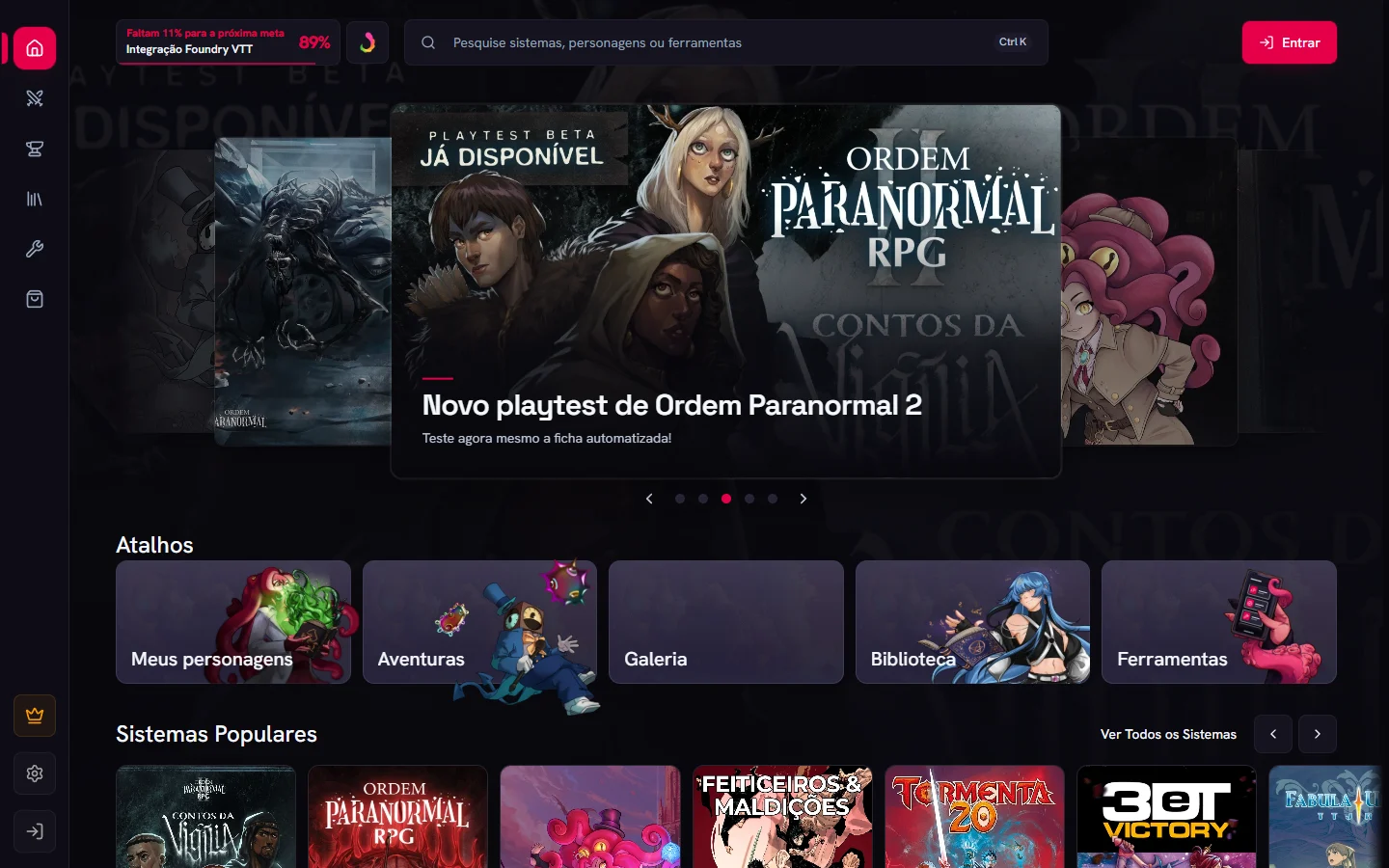
Start with the first stepsGetting started
What Mini Kraken is and how to find your way around.
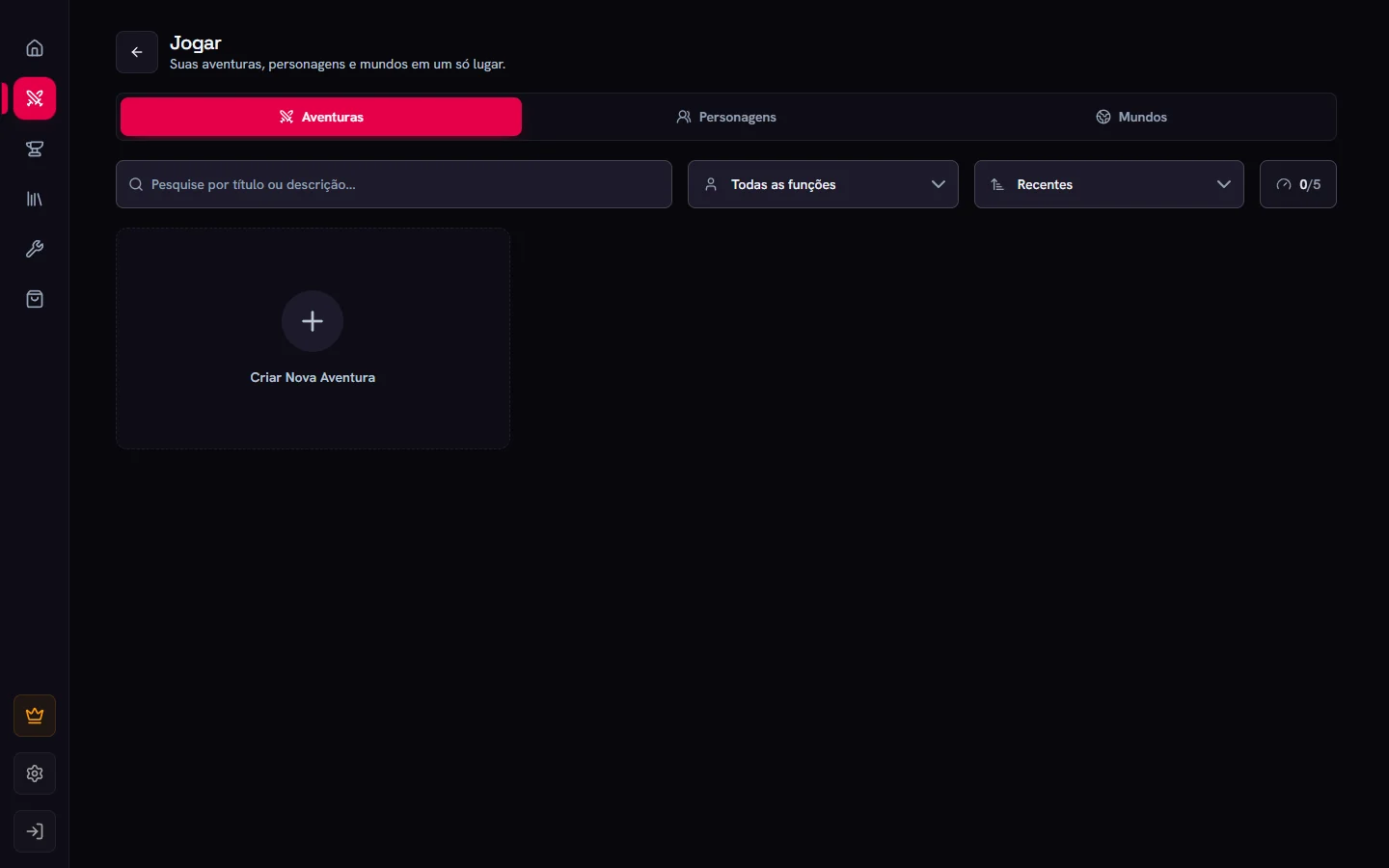
Character sheets
Create, play, edit and customize sheets, block by block.
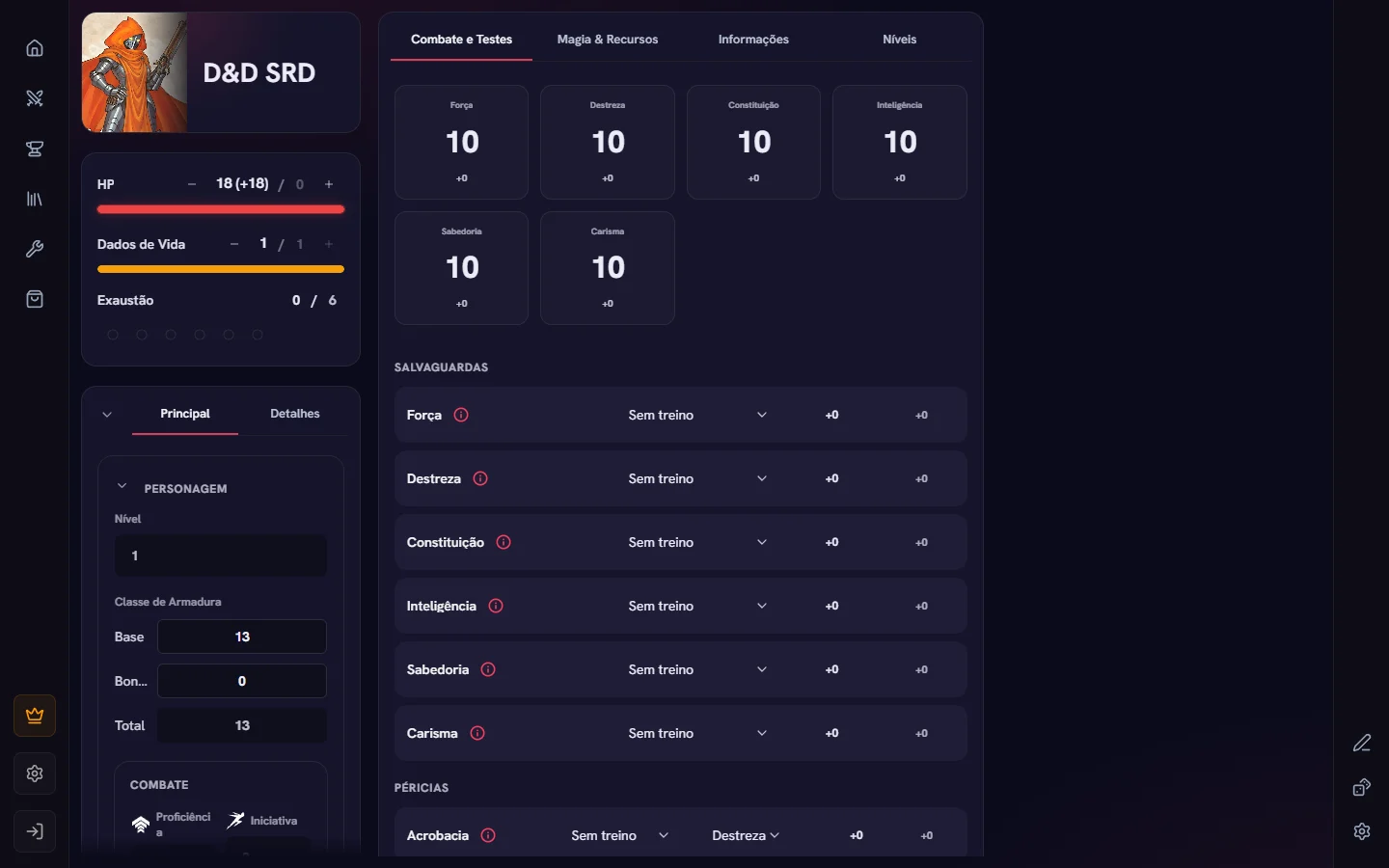
Character sheets
Create, open, play and share sheets. Learn the sheet's two modes and what happens when you roll a die.
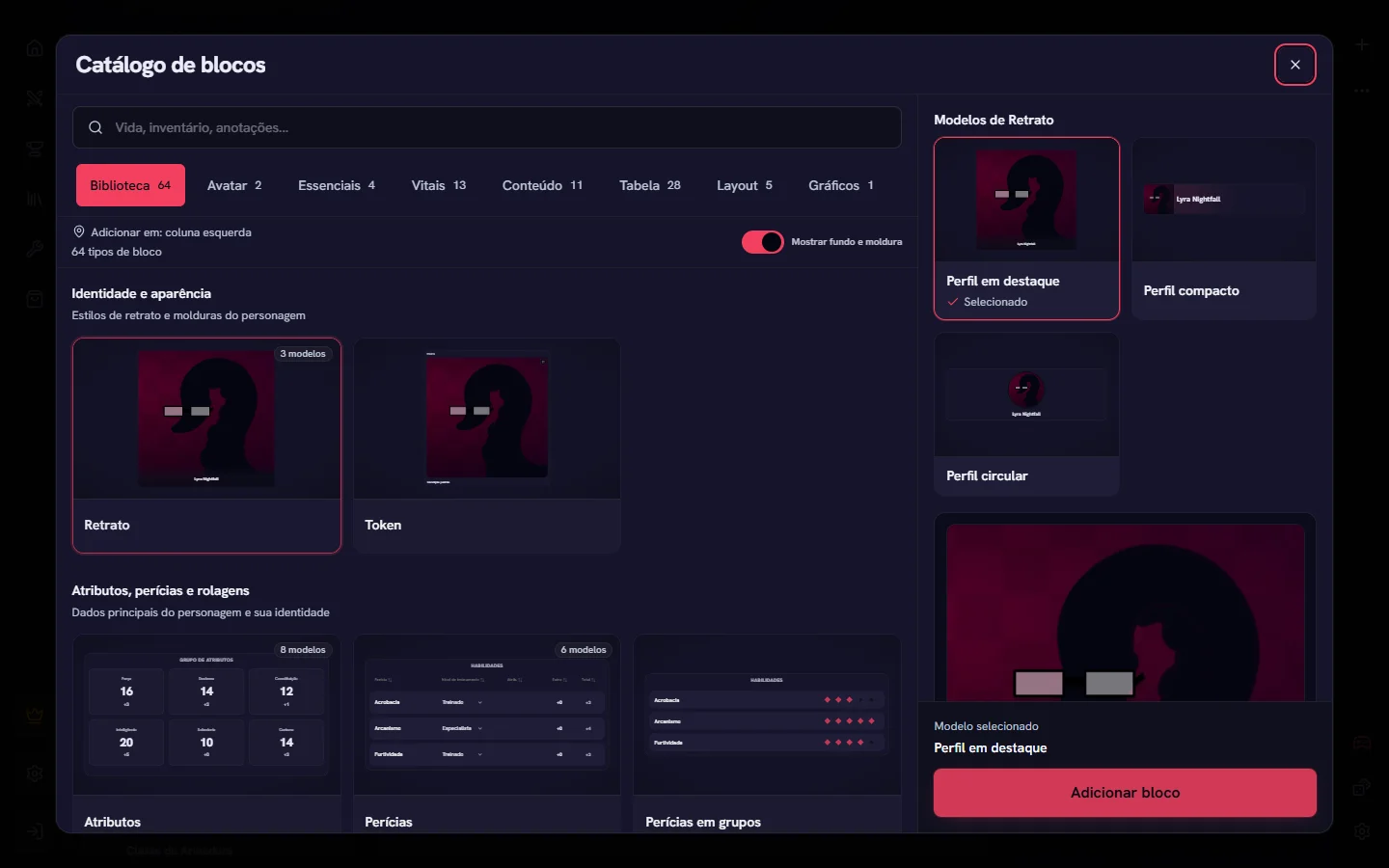
Editing the sheet
Add blocks, configure each one in its properties and adjust the whole sheet in Character Sheet Settings.
Block catalog
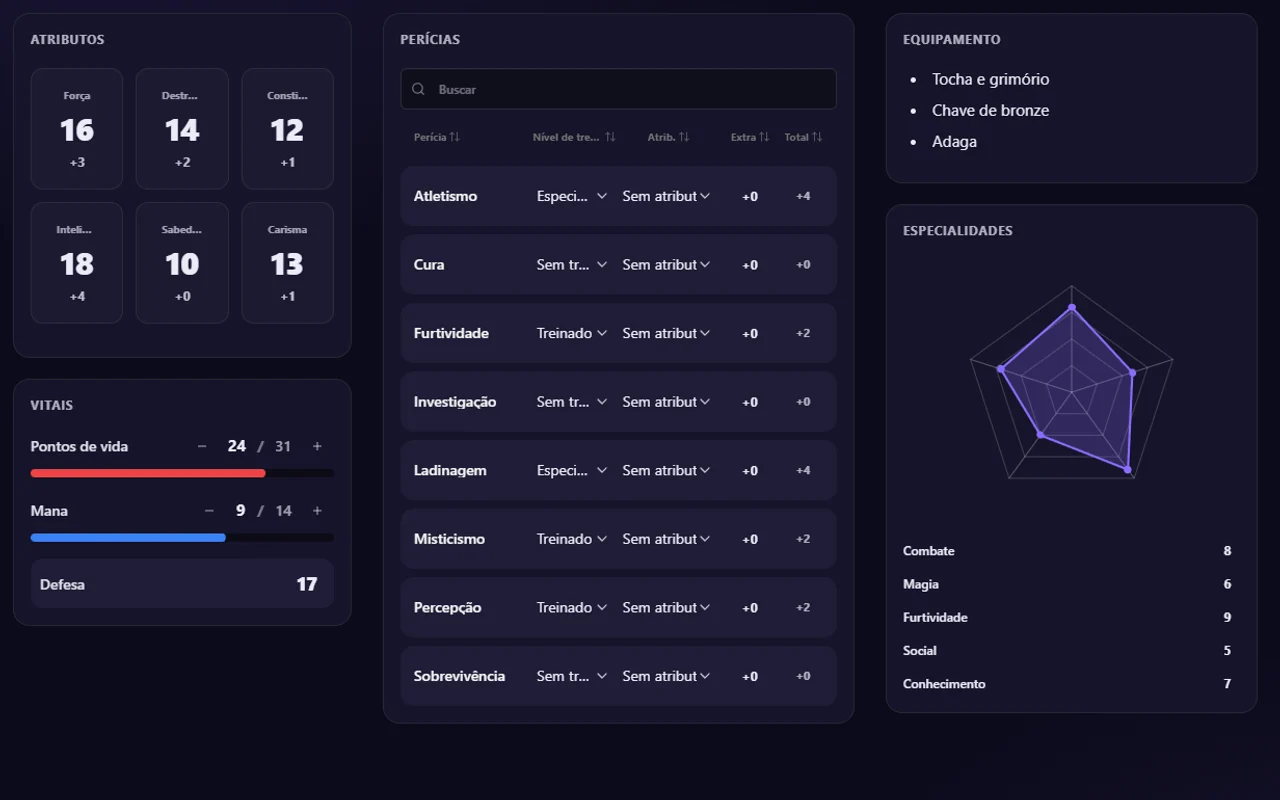
Every block you can put on a sheet, what each one does and when to use it.
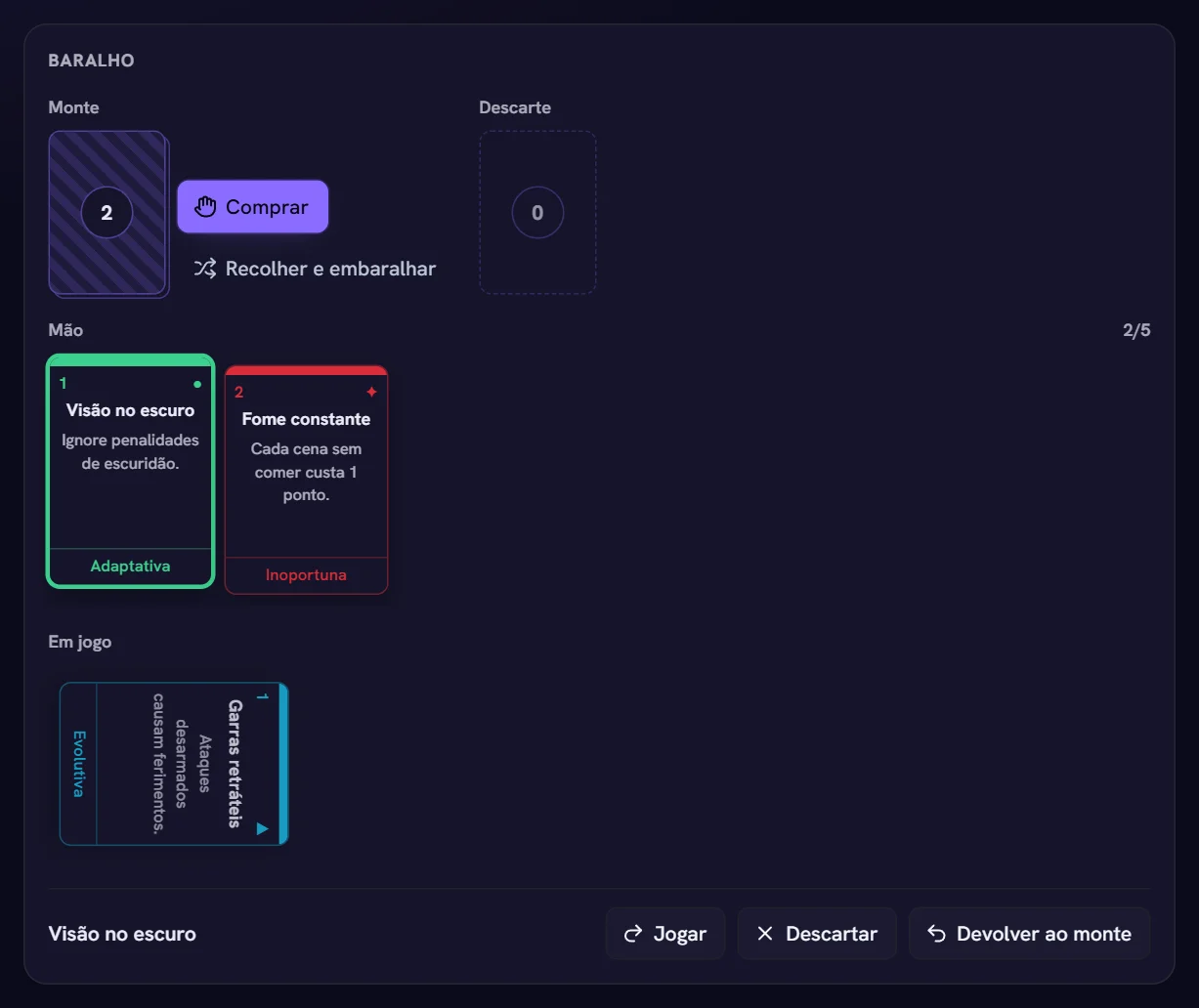
Table blocks
Progress clocks, decks with hand and discard, and zone inventory, for systems built around cards and space.
Cards and resources
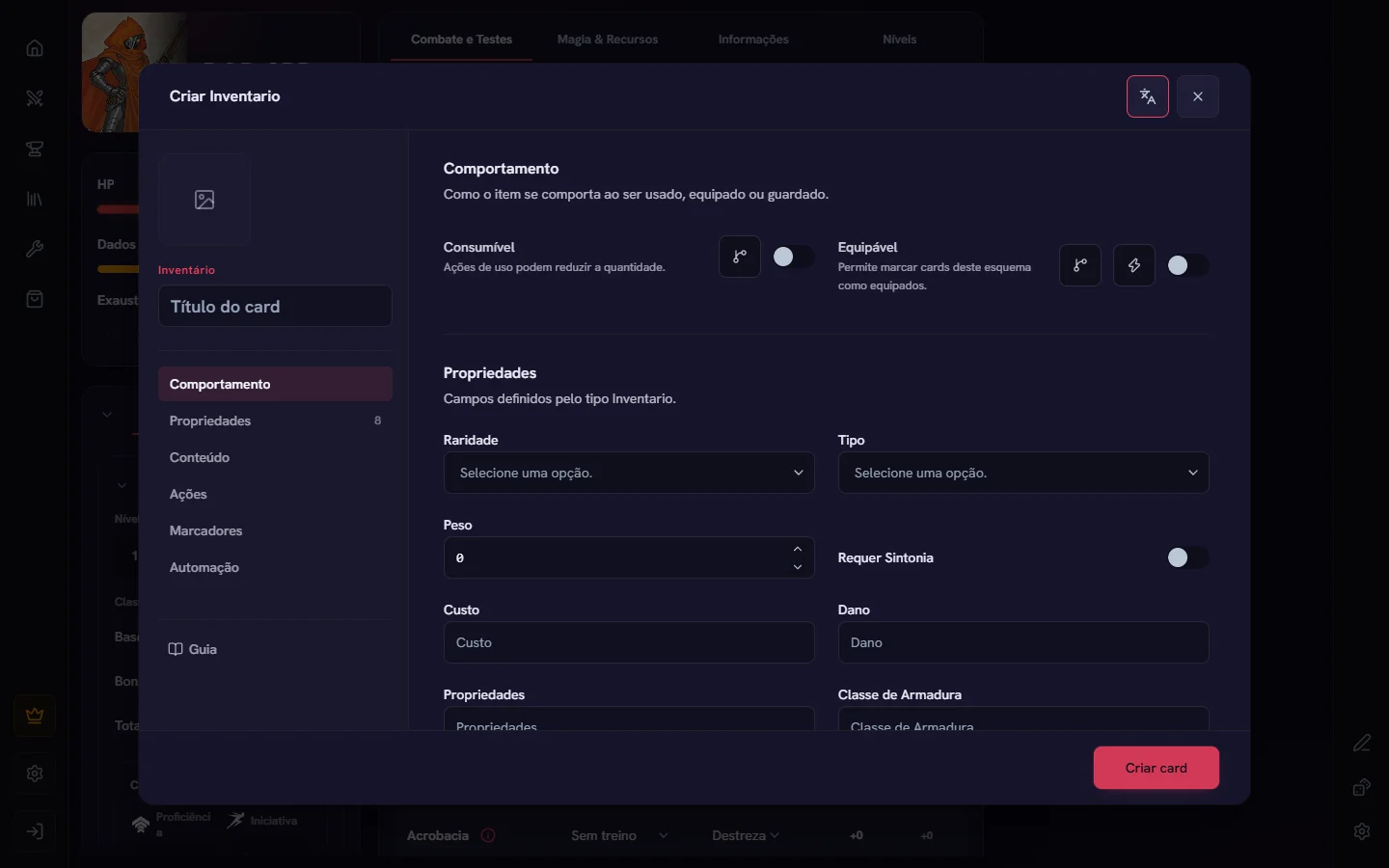
Items, spells, abilities and conditions become cards: create, equip, use and roll them from the resource panel.
Sheet appearance
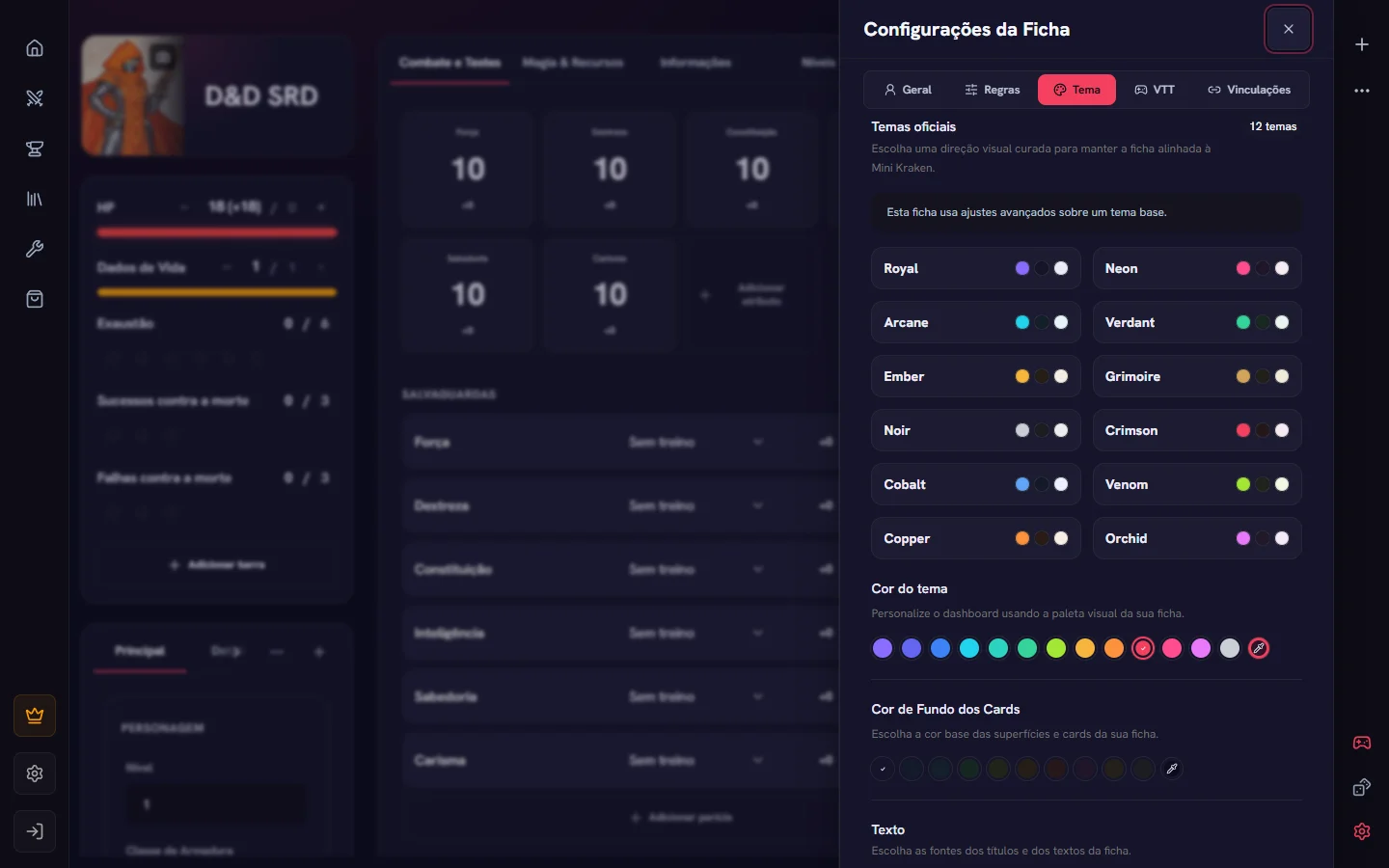
Official themes, colors, fonts, background and texture: make the sheet look like your character or your system.
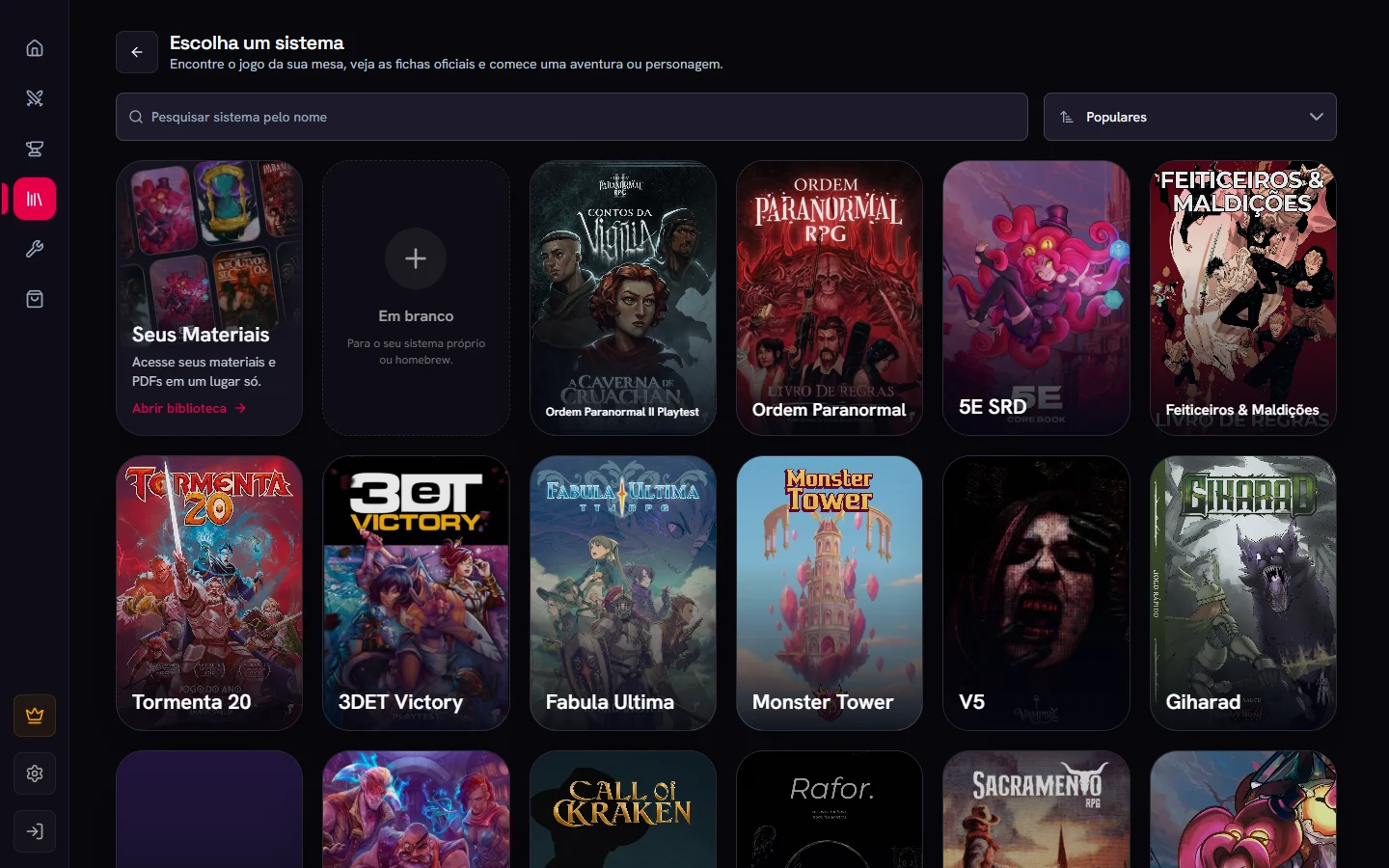
Templates and systems
Official systems, template sheets, syncing with the template and how to request or create a system.
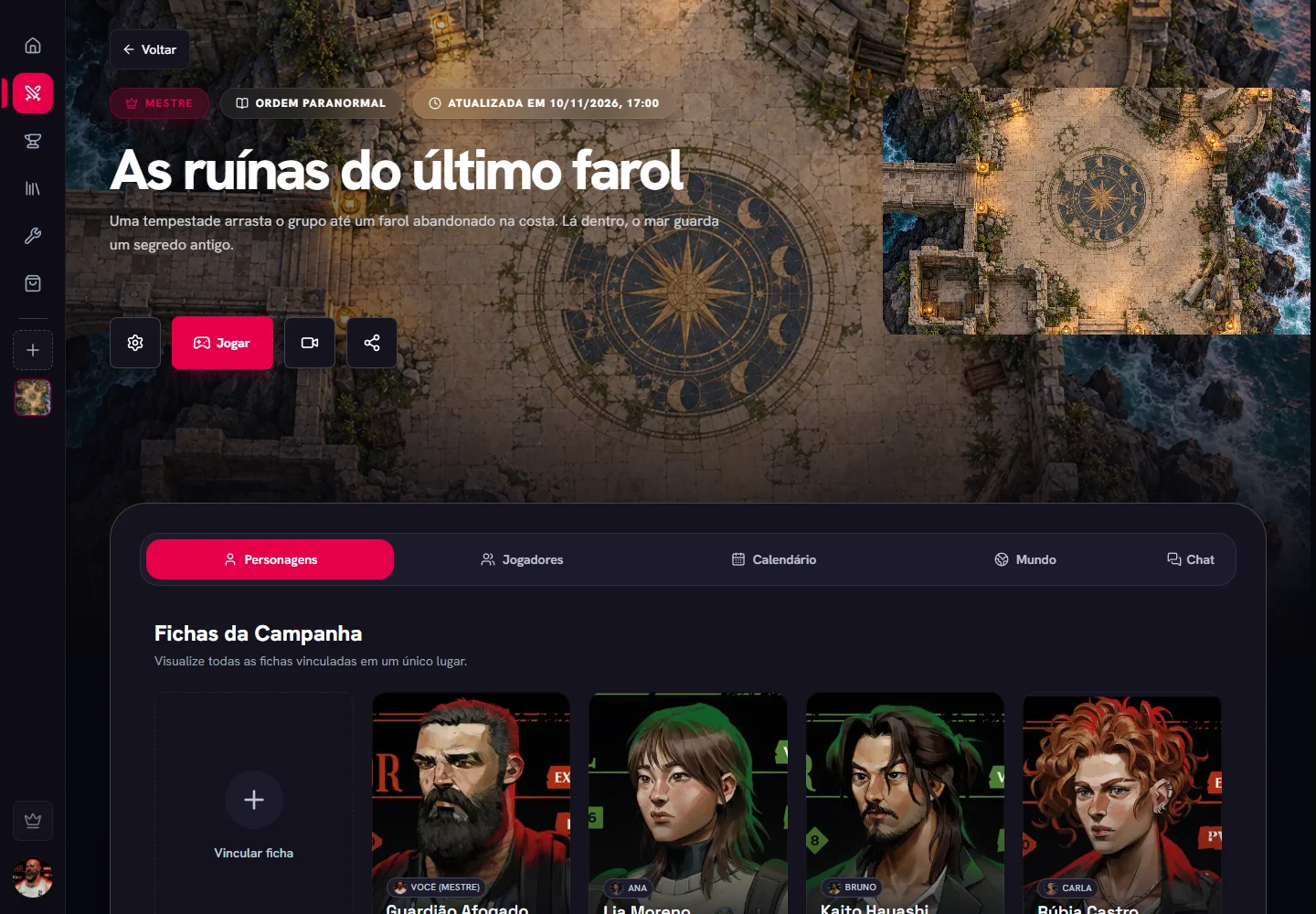
Campaigns
Gather your group, organize sessions and talk with the table.
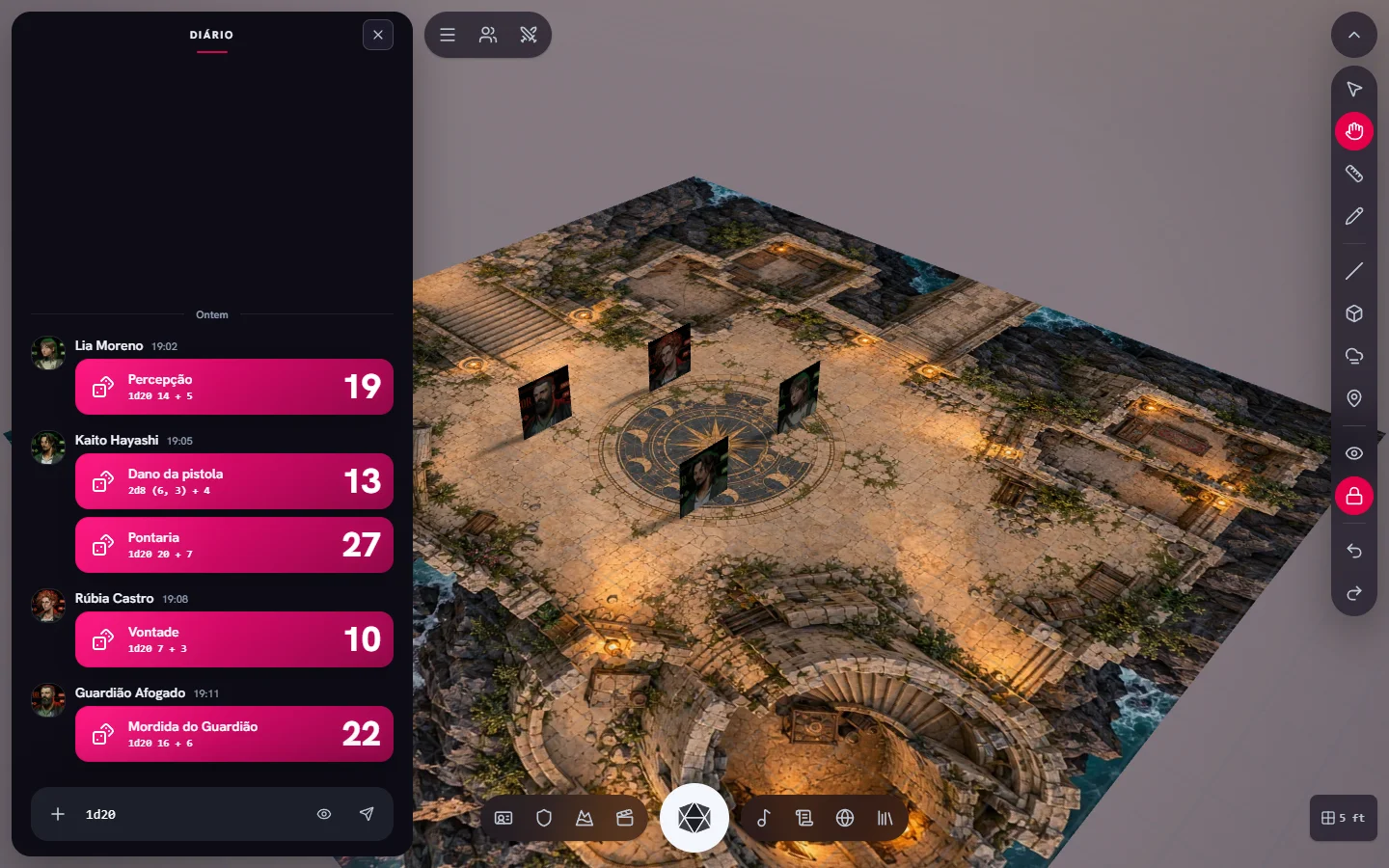
Virtual tabletop
Scenes, tokens, tools, GM screen, handouts and sound.
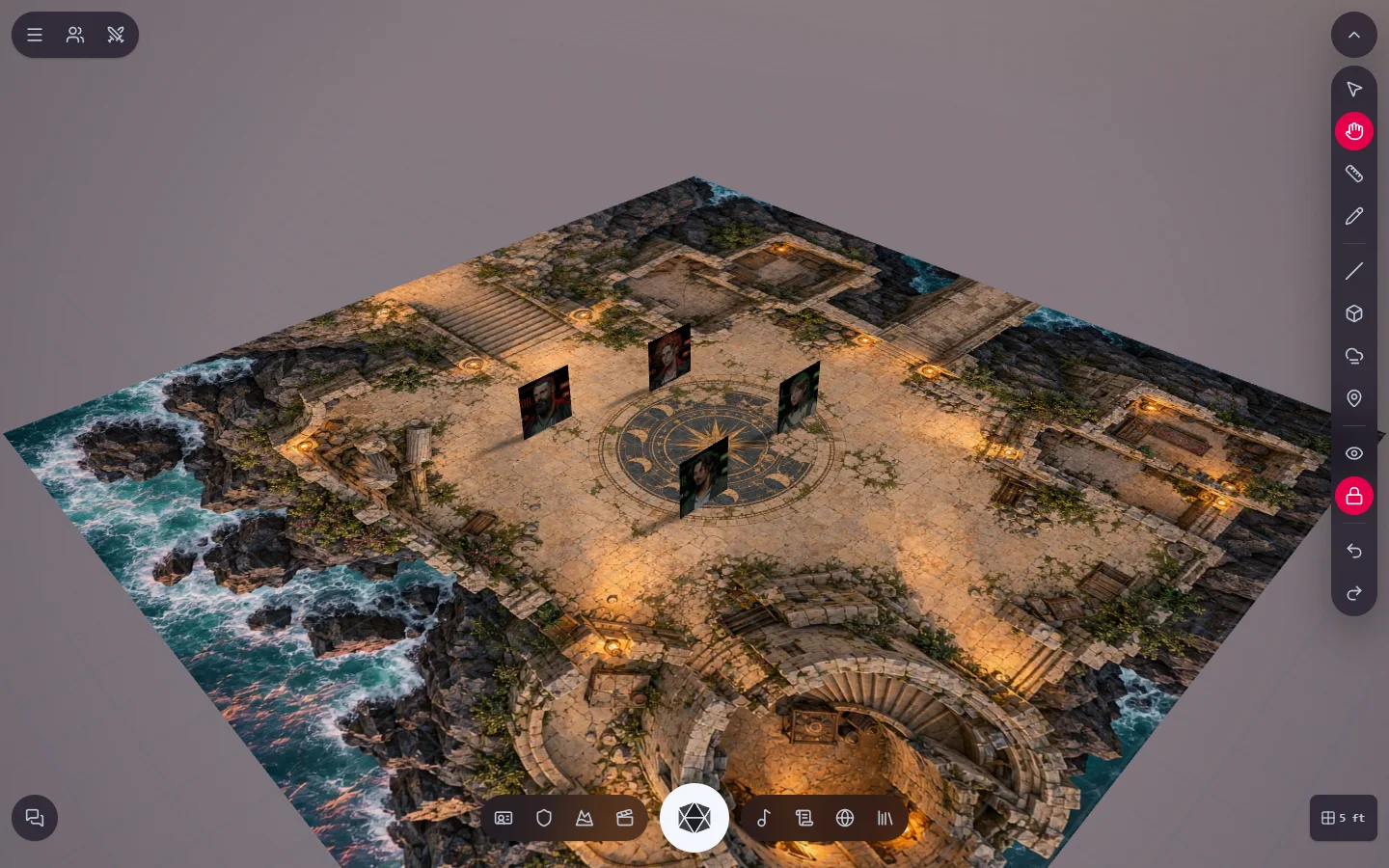
Virtual tabletop (VTT)
Get to know the tabletop: how to open it, where the tools are, the bottom dock and how to move the camera.
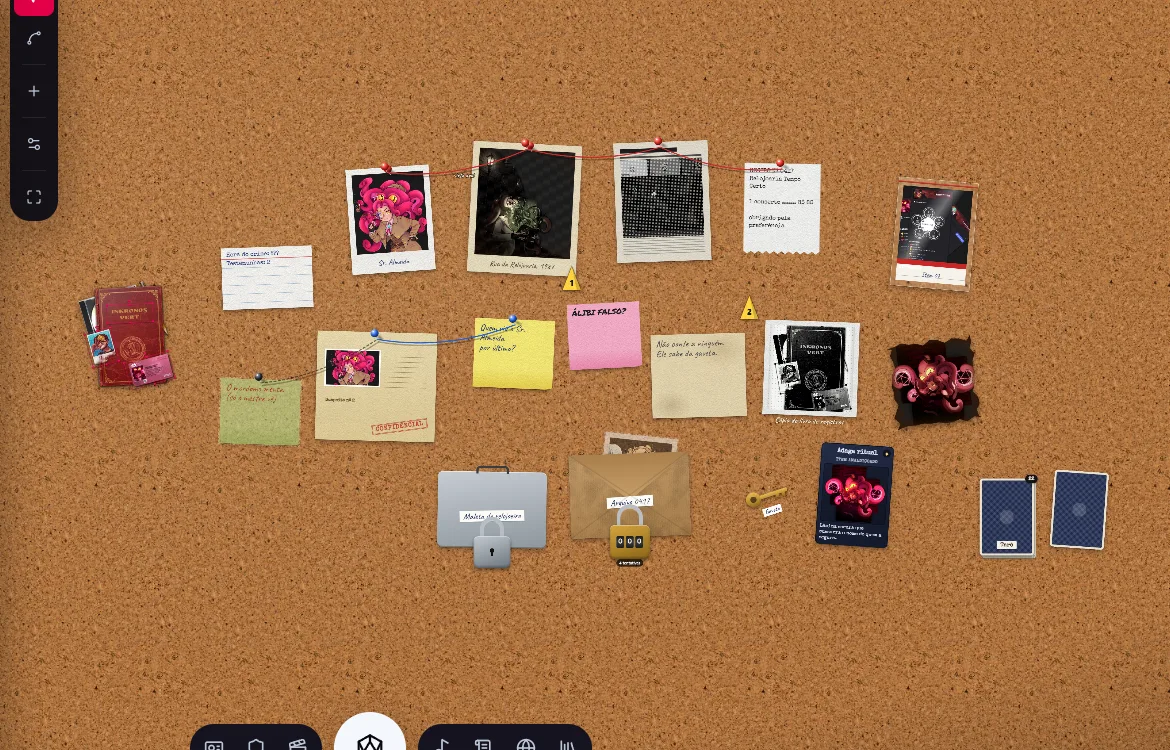
Scenes
2D map, 3D map, theater of the mind and investigation board: the scene types and how to bring players to them.
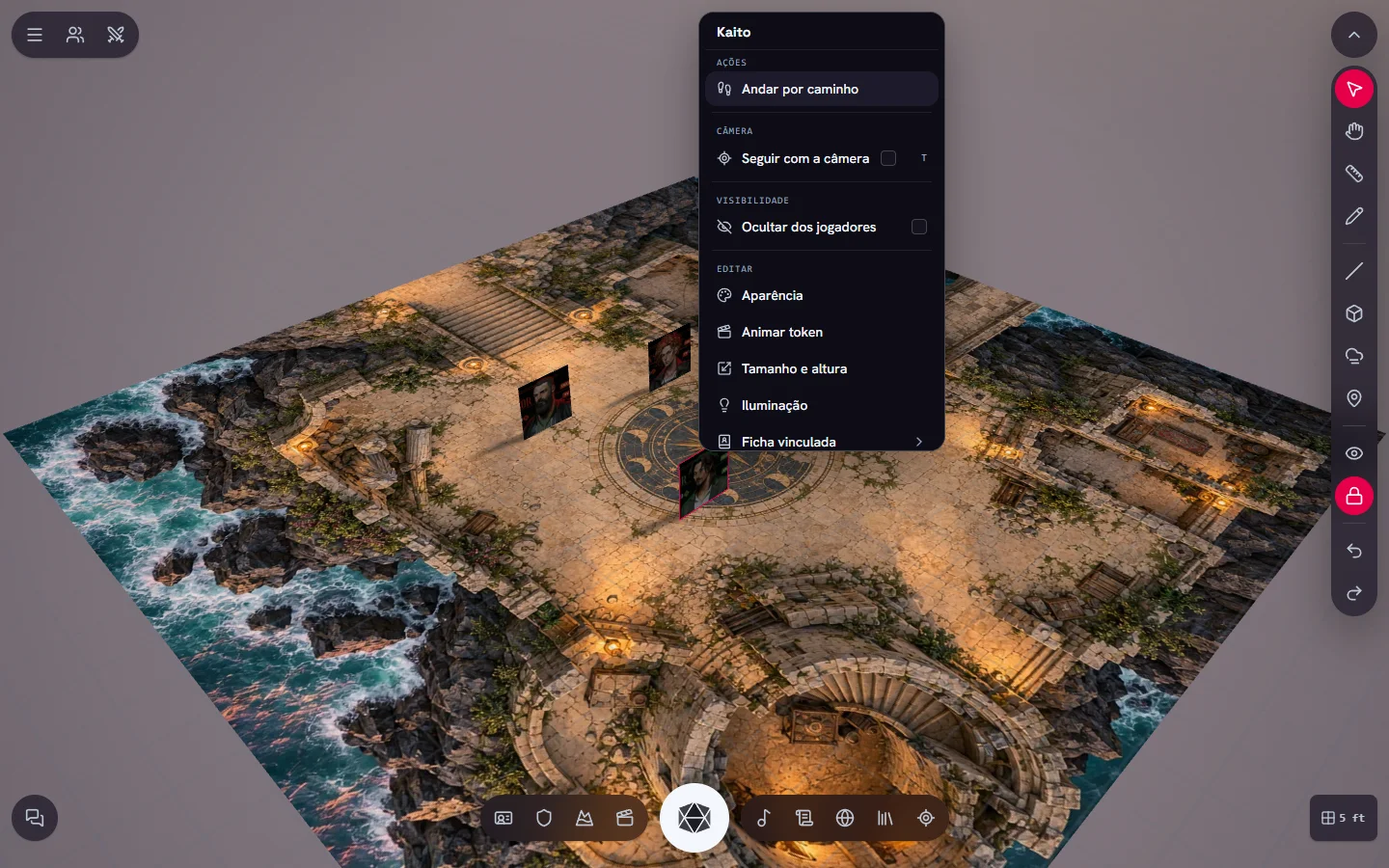
Tokens and objects
Place characters on the map, control who moves what and set up the light, size and access of each object.
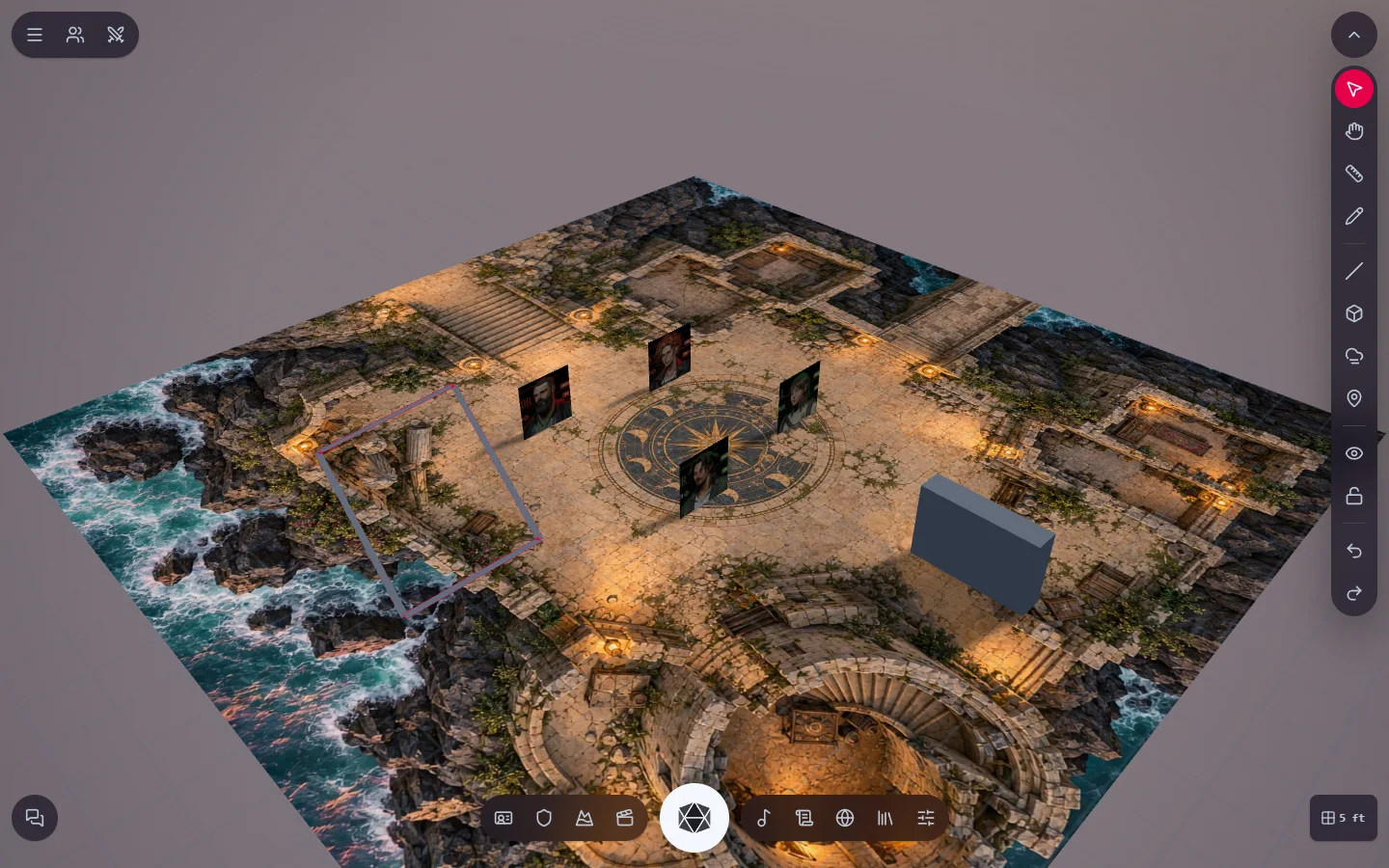
Tabletop tools
Measure, draw, raise walls, create volumes, cover the map with fog and mark points of interest.
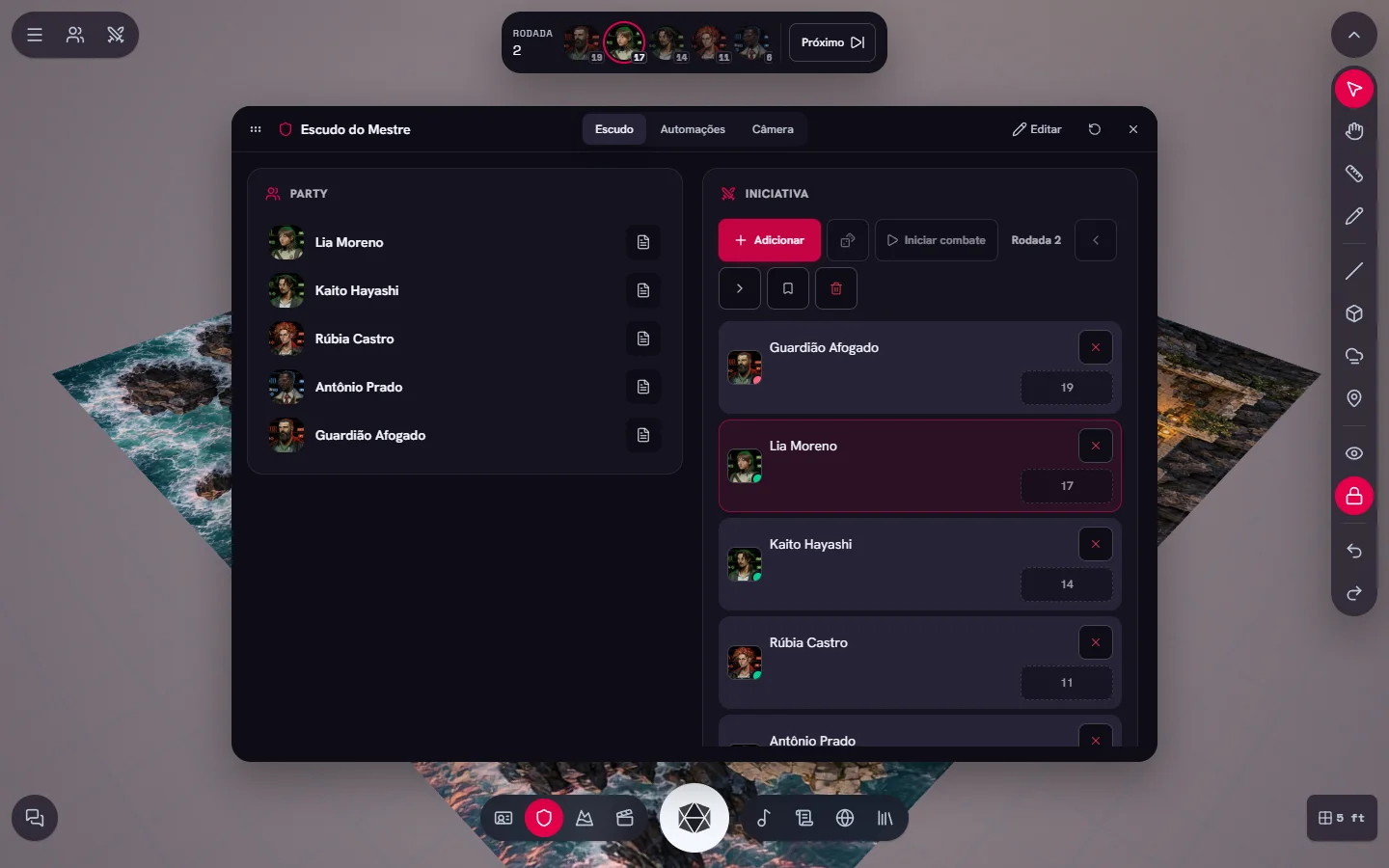
GM Screen
A GM-only window with the party, initiative, notes, scene automation buttons and control of the players' camera.
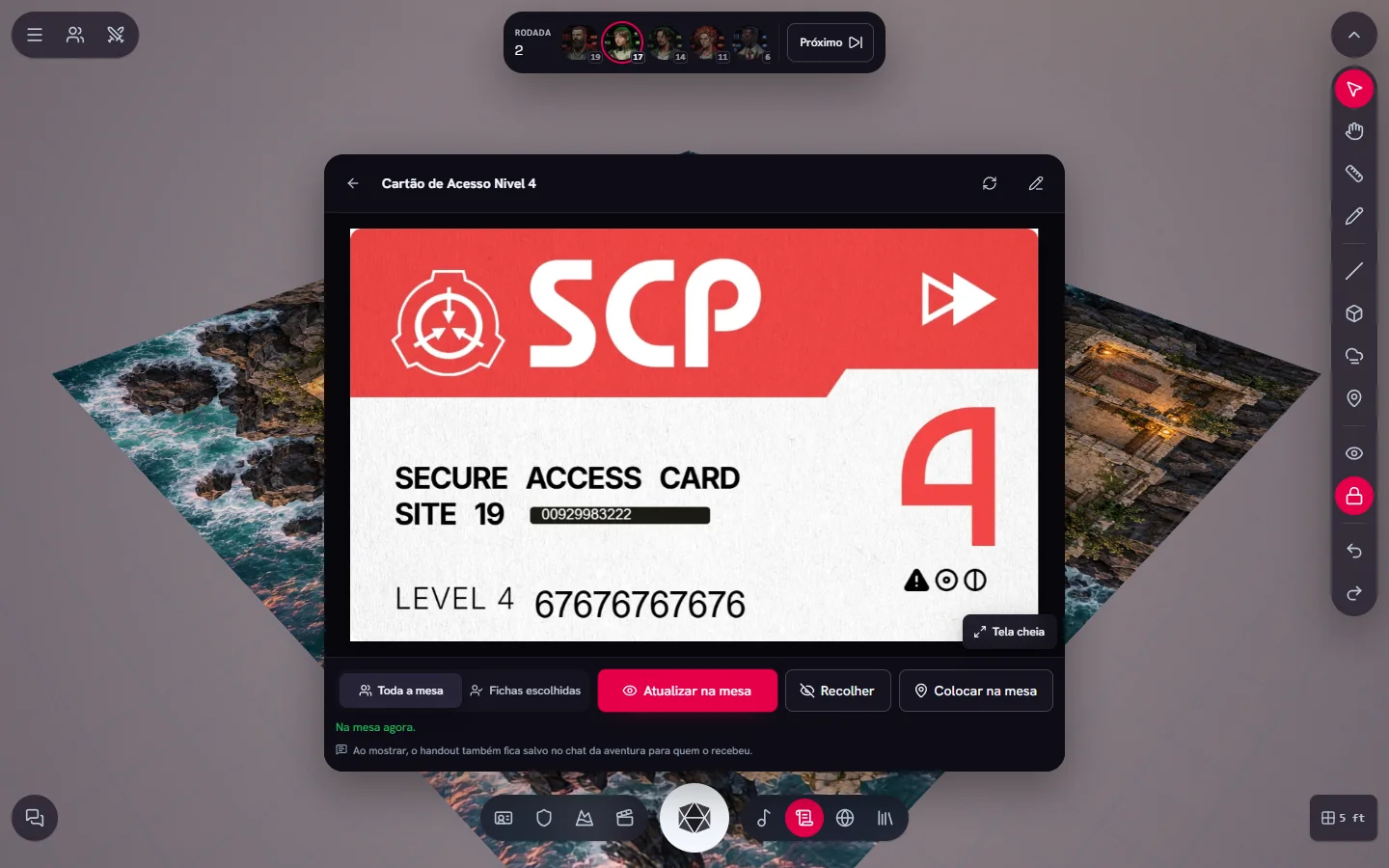
Handouts at the table
Show letters, maps and clues to your players during the session.
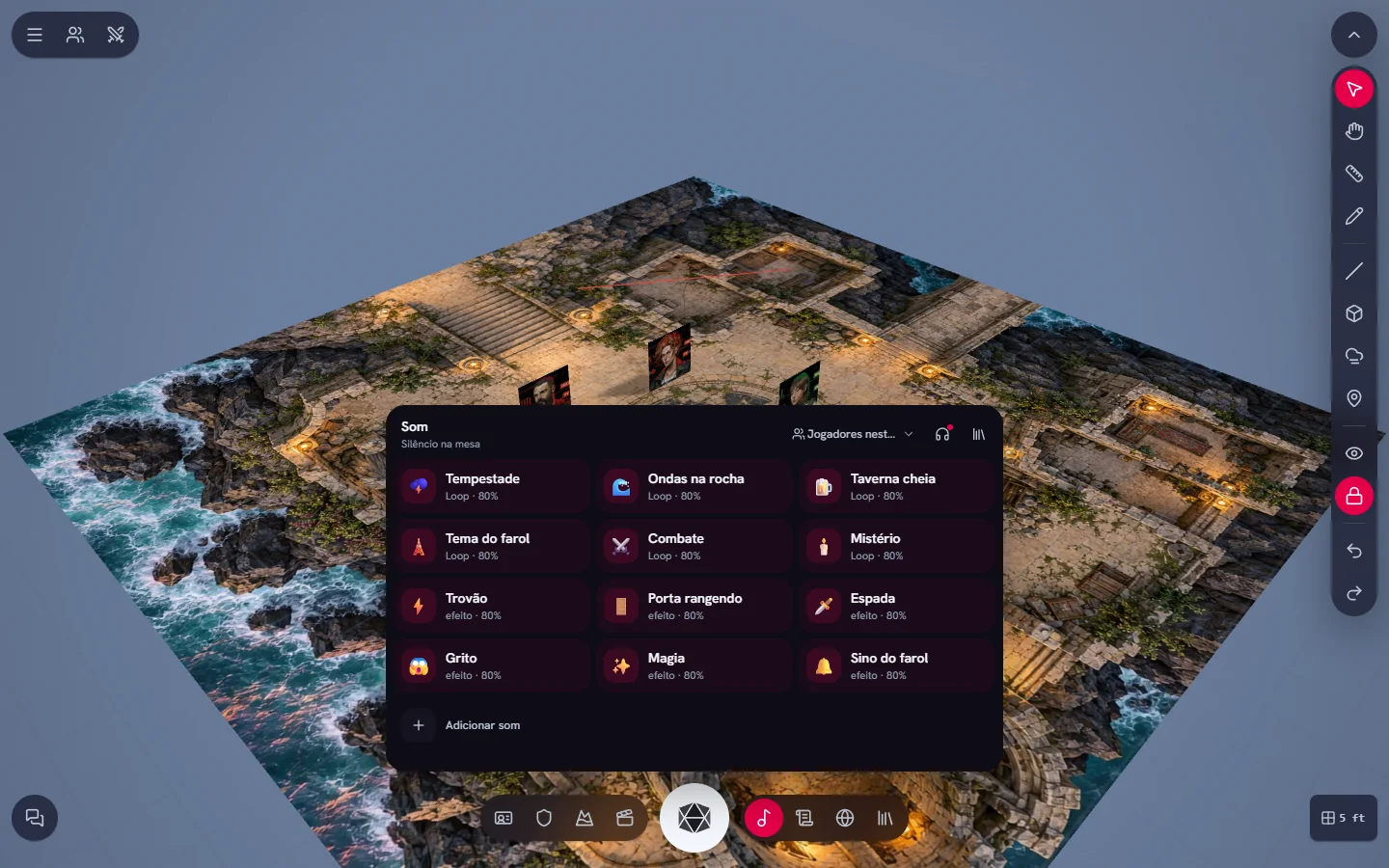
Sound and music
GM soundboard, radio and mixer: soundtrack and effects for the whole table.
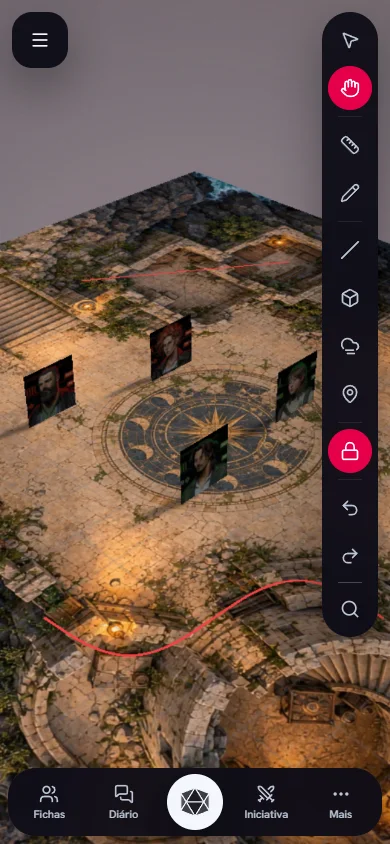
Tabletop on mobile
Playing on your phone: navigation, slide-up panels and gestures.
Creation and content
Worlds, documents, creatures, library and marketplace.
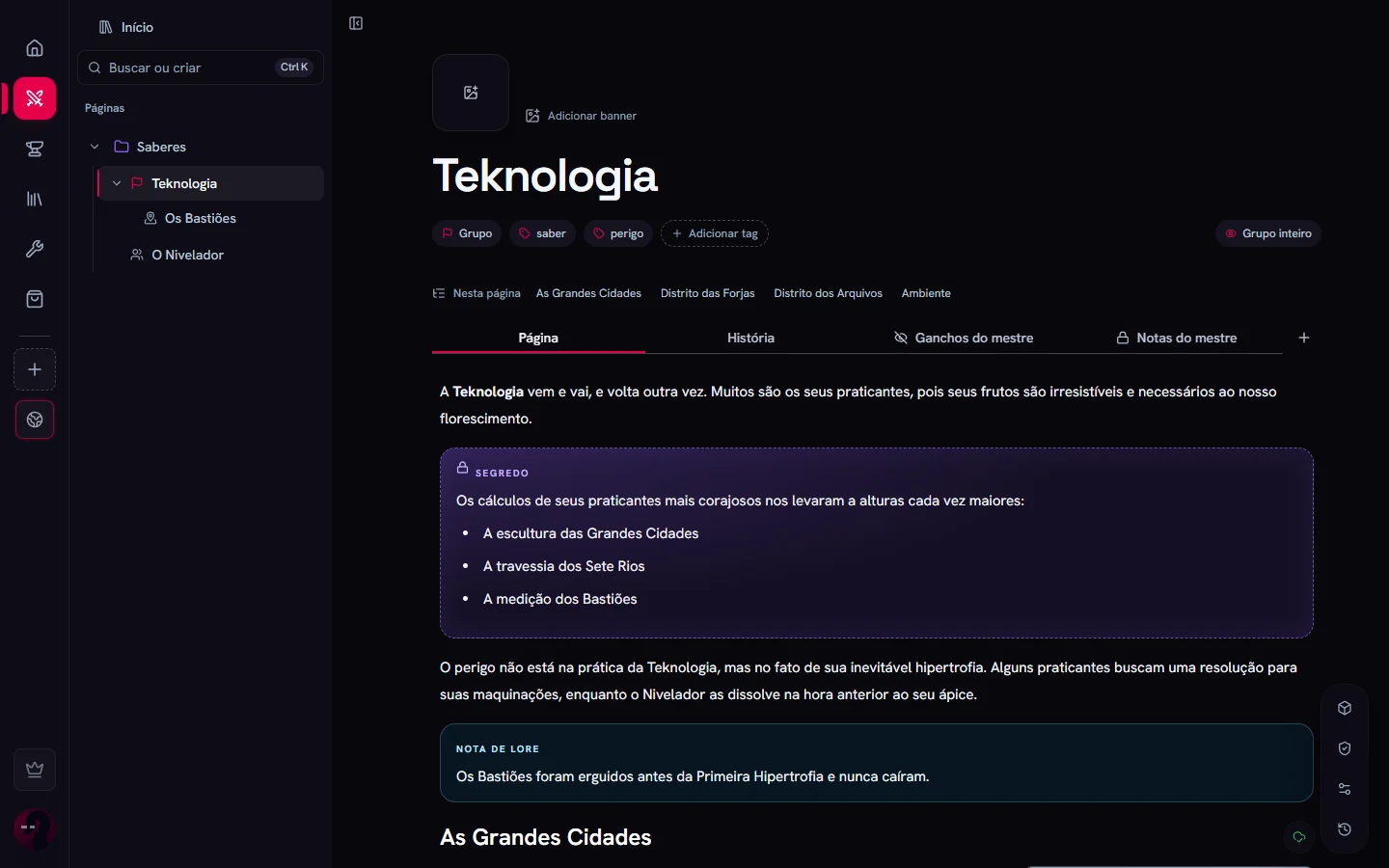
Worlds
A wiki for your setting: pages for places, NPCs and events, GM-only secrets and everything linked together.
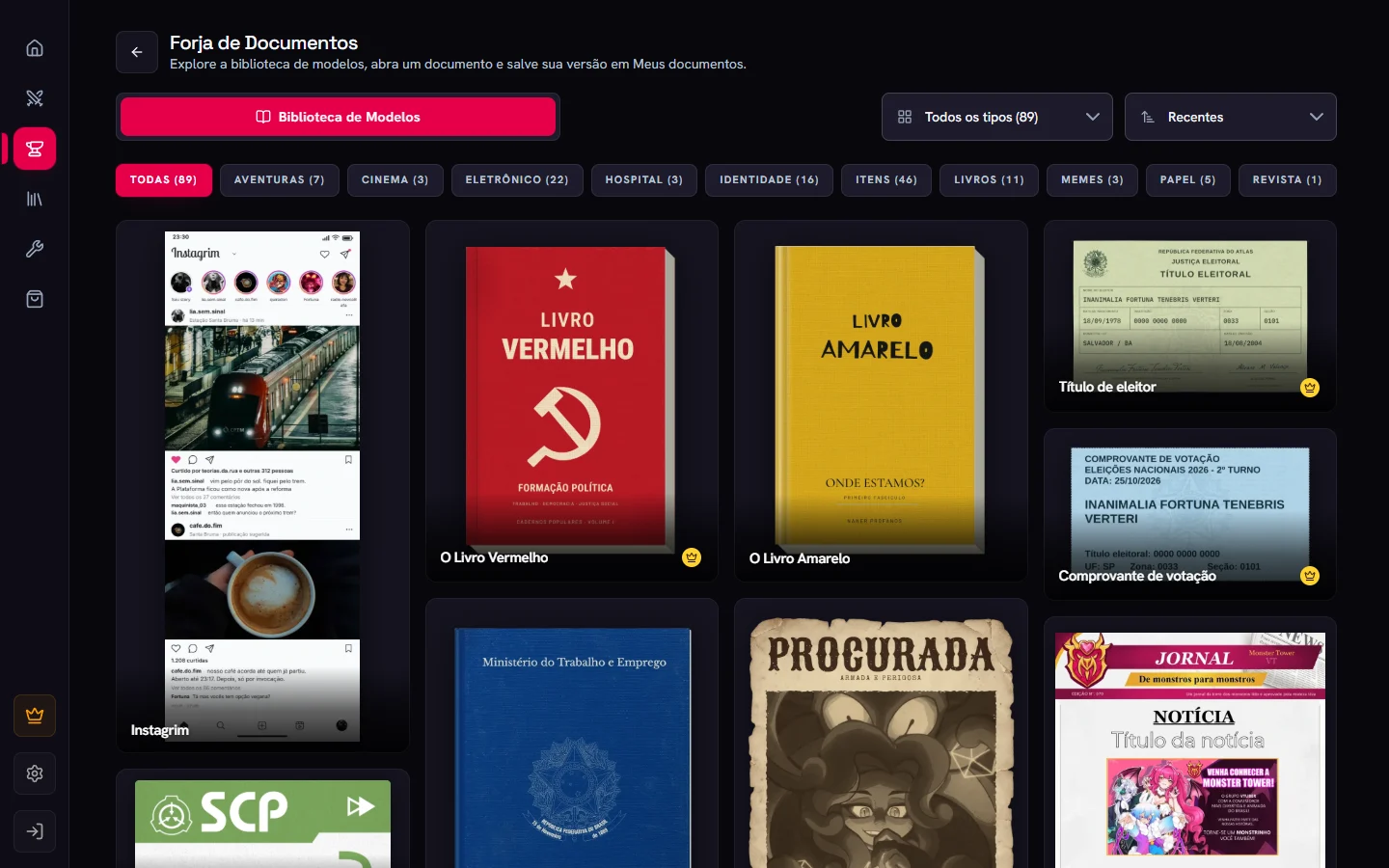
Document Forge
Create letters, newspapers, reports, polaroids and clues from templates, and hand them to players at the table.
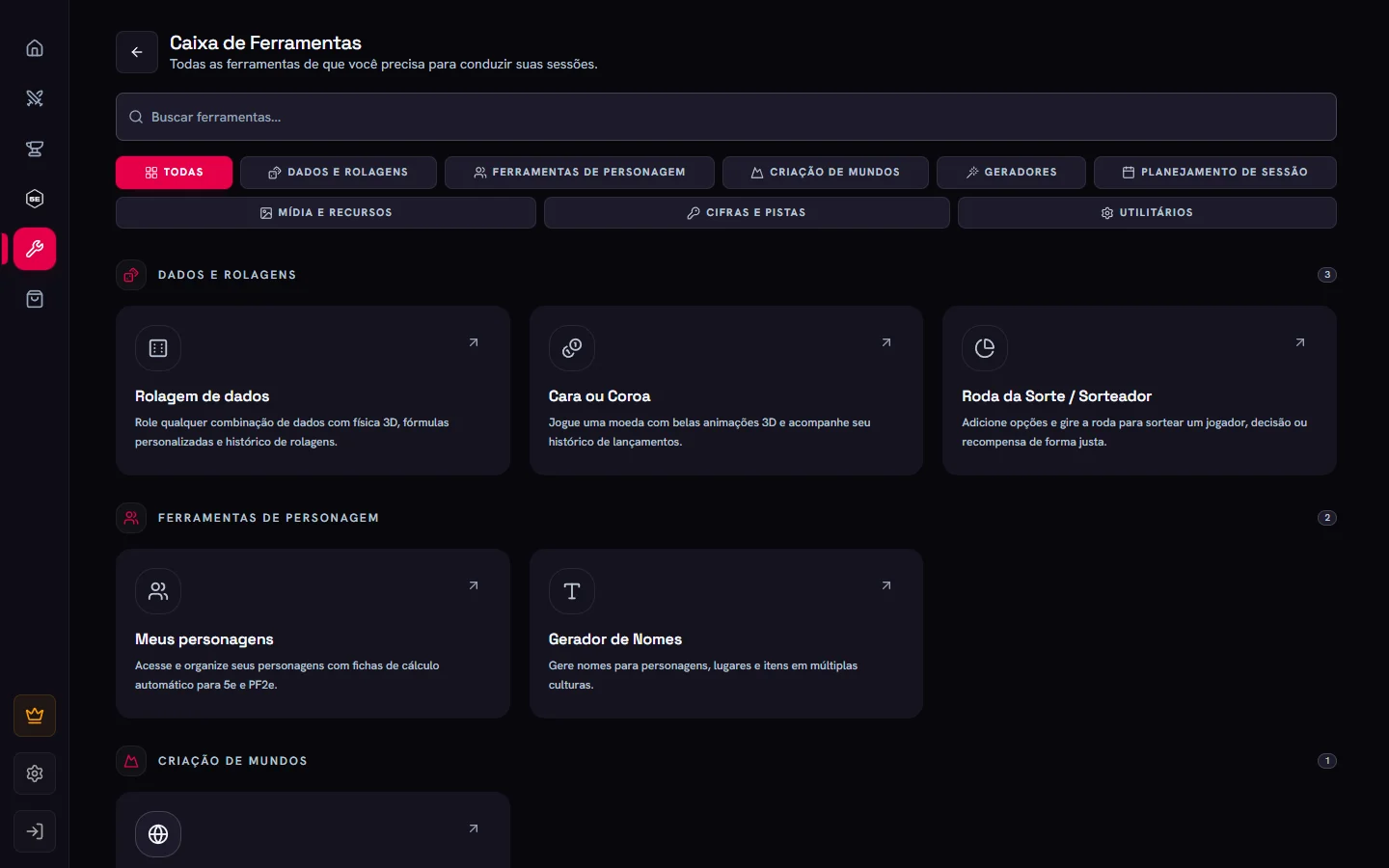
Creatures and tools
System bestiaries, the token animator and the GM toolbox.
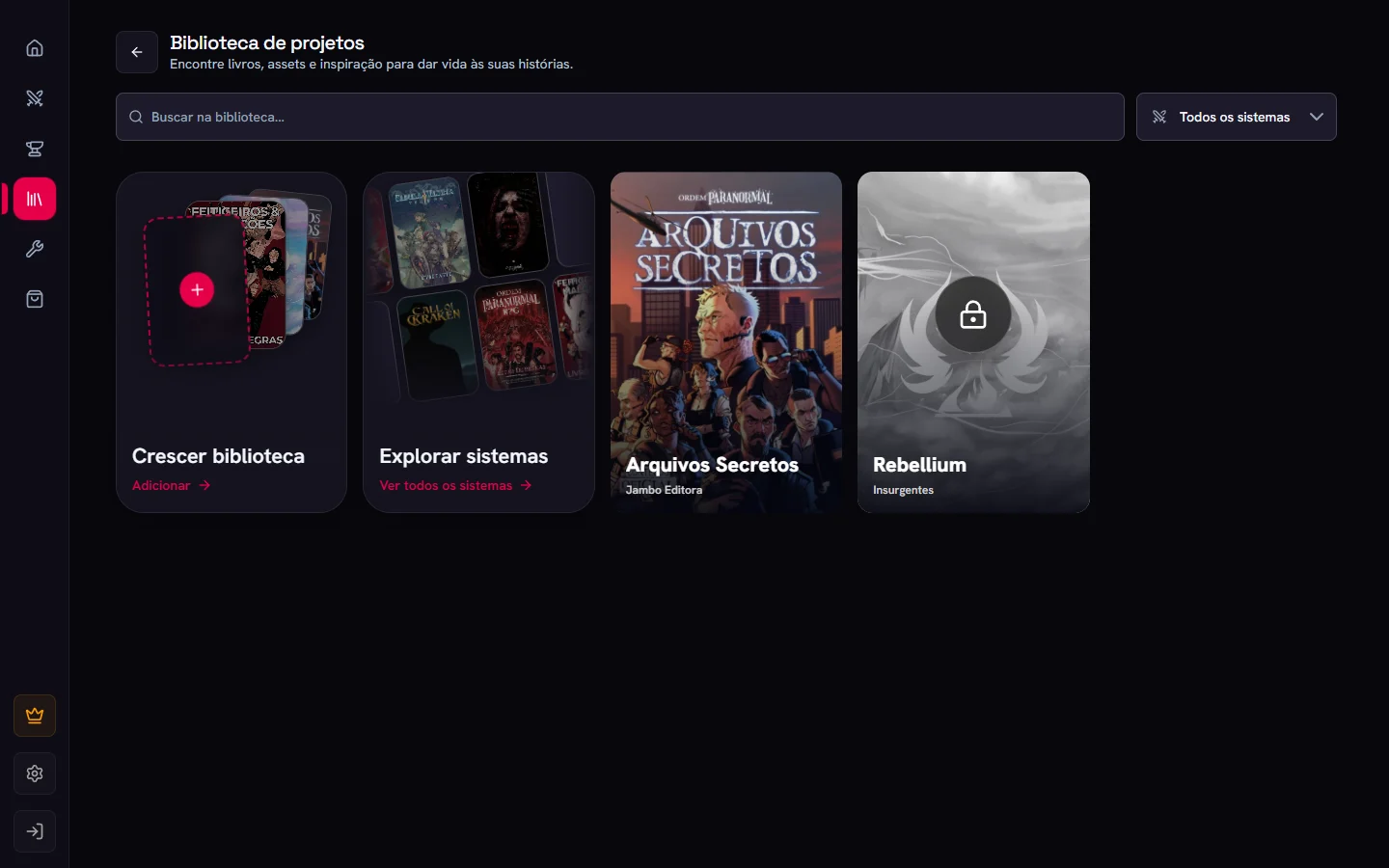
Library
Your books, publisher projects and personal PDFs, in a full-screen reader.
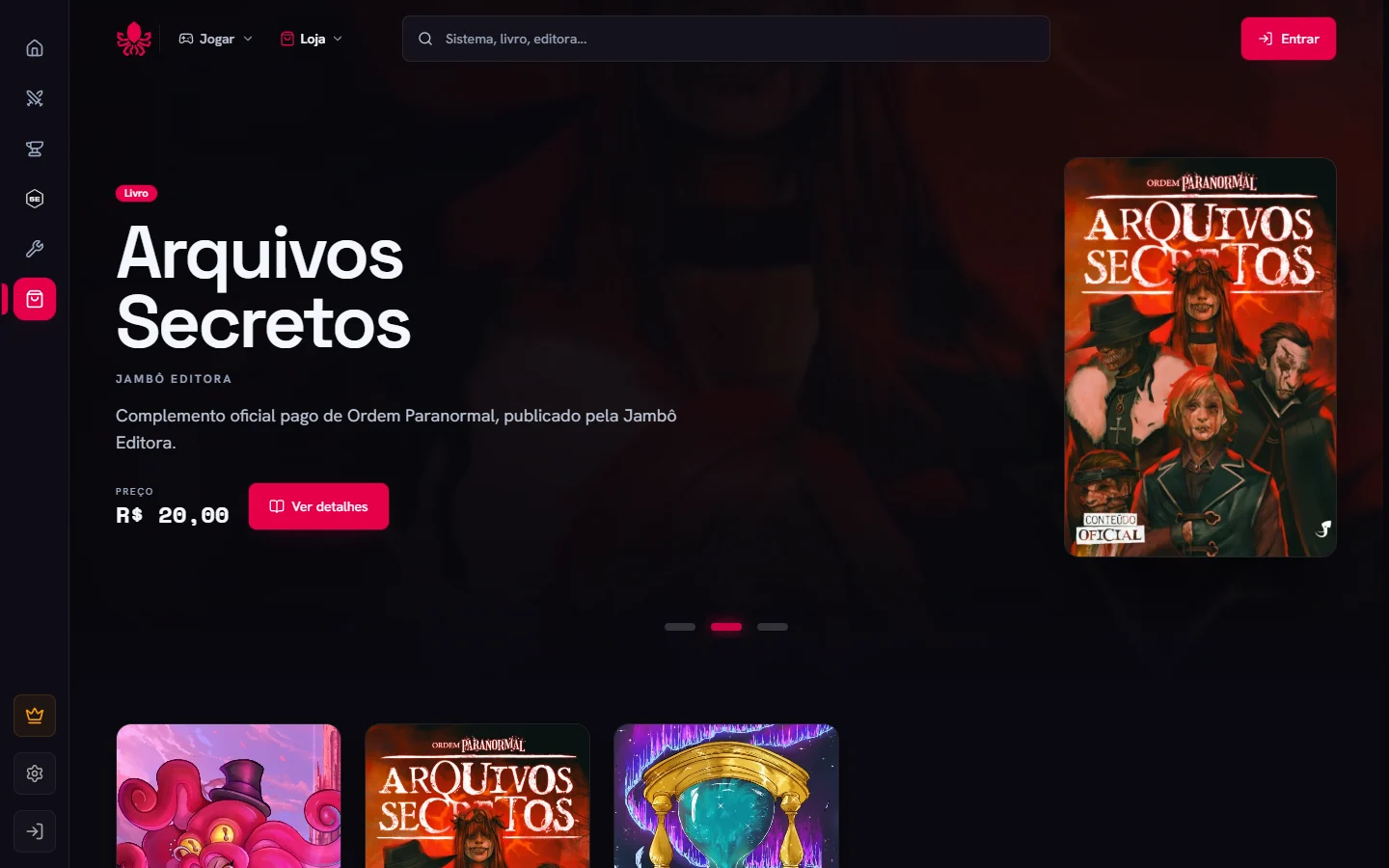
Marketplace and cosmetics
Systems, books, VTT packs and bundles from publishers, plus cosmetics for your profile.
Integrations
Discord, OBS, apps, Owlbear Rodeo and Foundry.
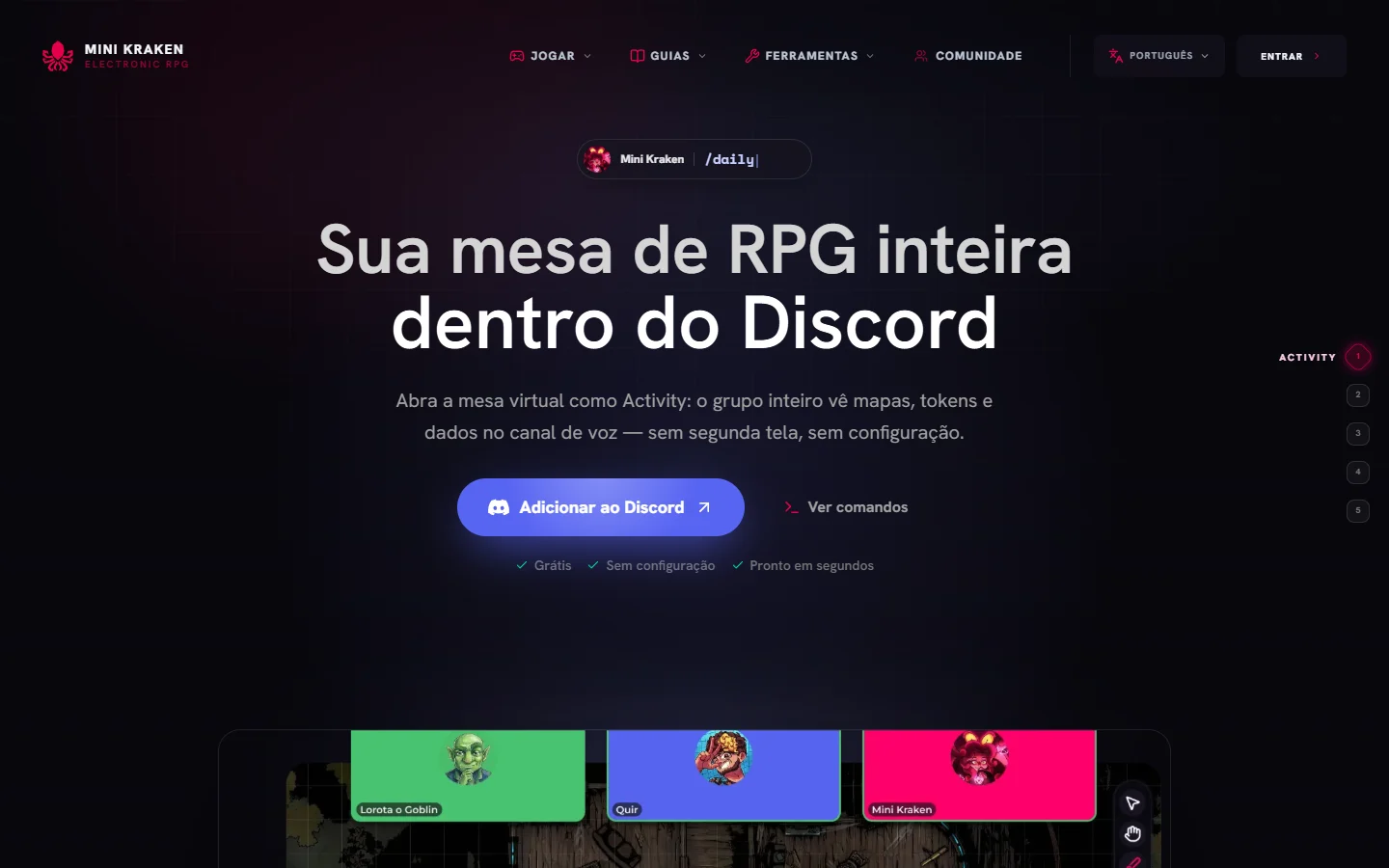
Discord
The Mini Kraken bot, the Activity for playing inside a call, and campaign invites through Discord.
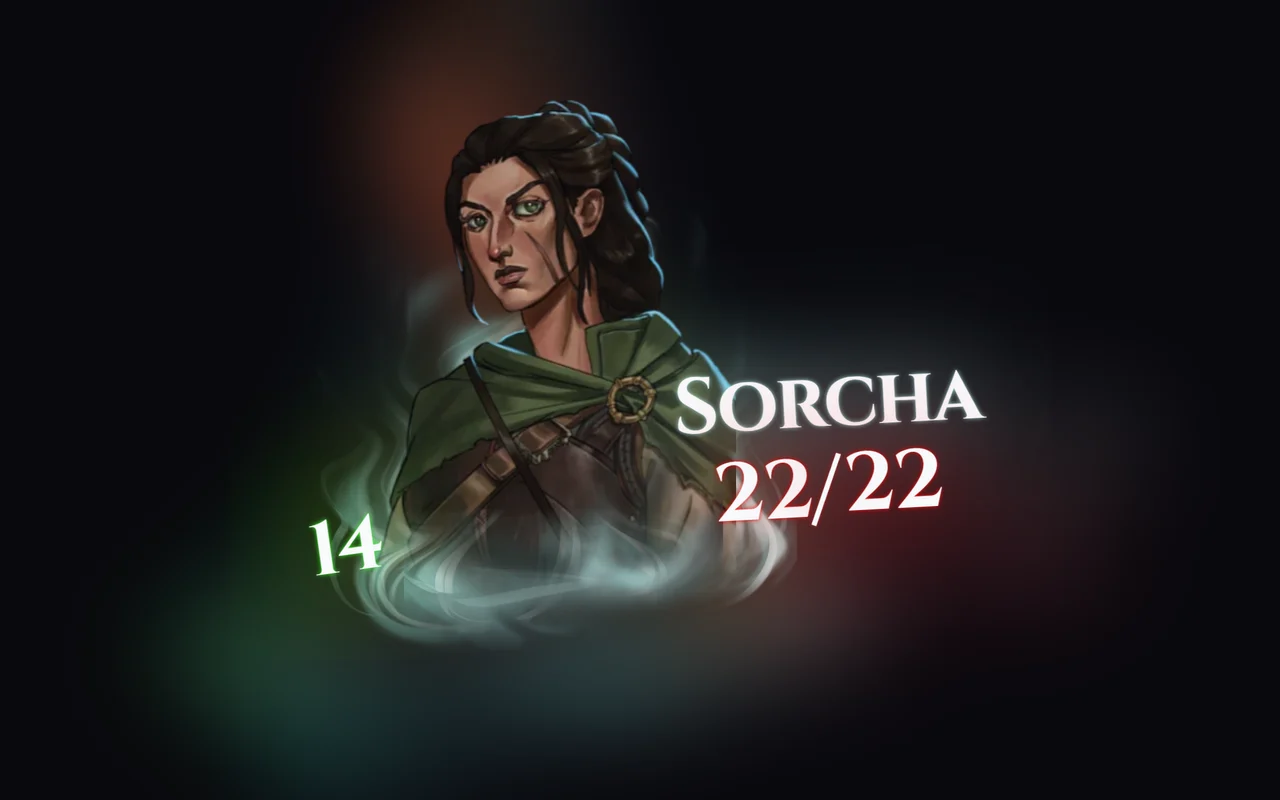
Stream and OBS
Bring the table, dice, chat and sheets to your stream with ready-made OBS overlays.
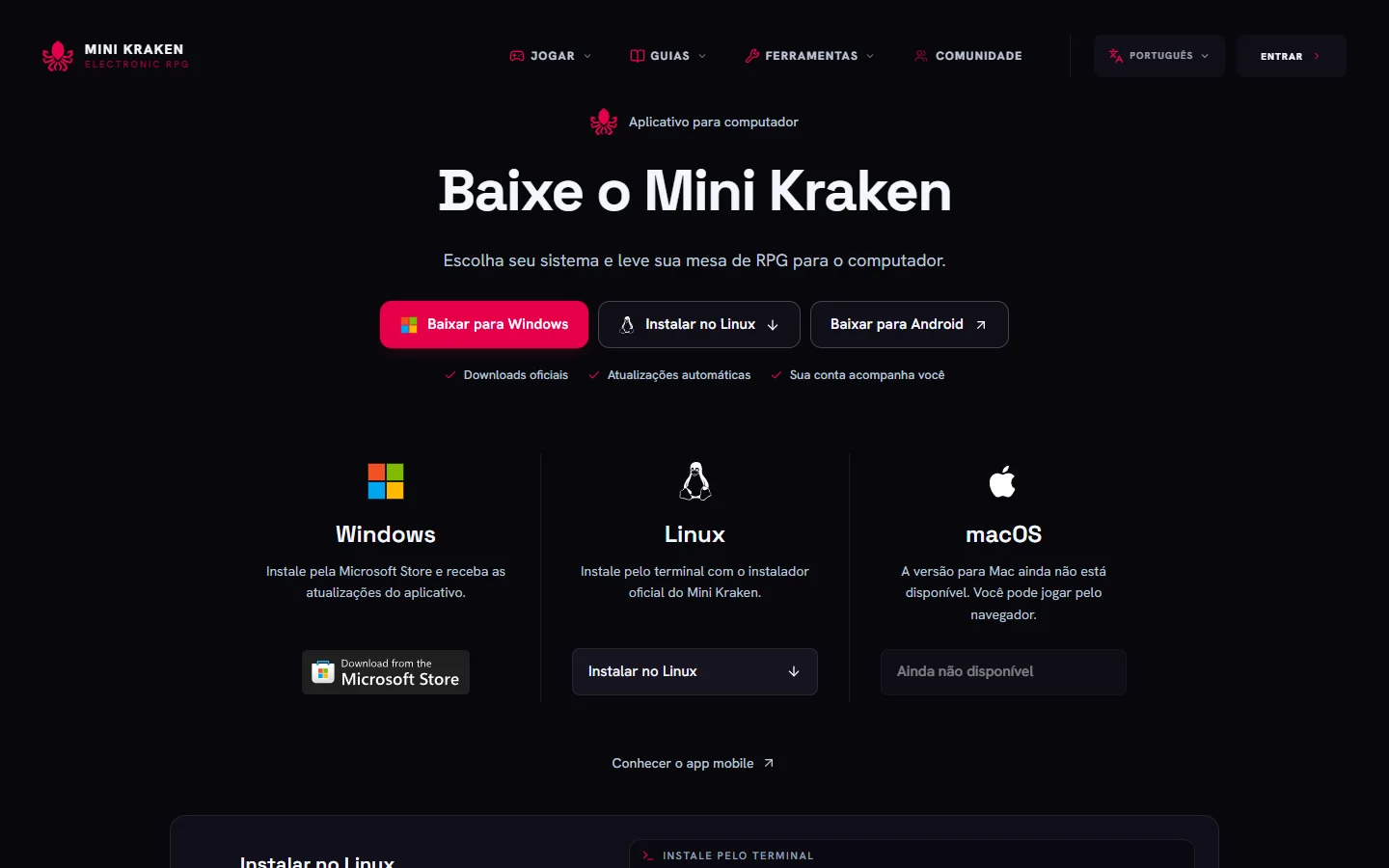
Apps and integrations
Mini Kraken on mobile and desktop, plus the Owlbear Rodeo and Foundry VTT integrations.