The Kraken you know, in a Foundry window
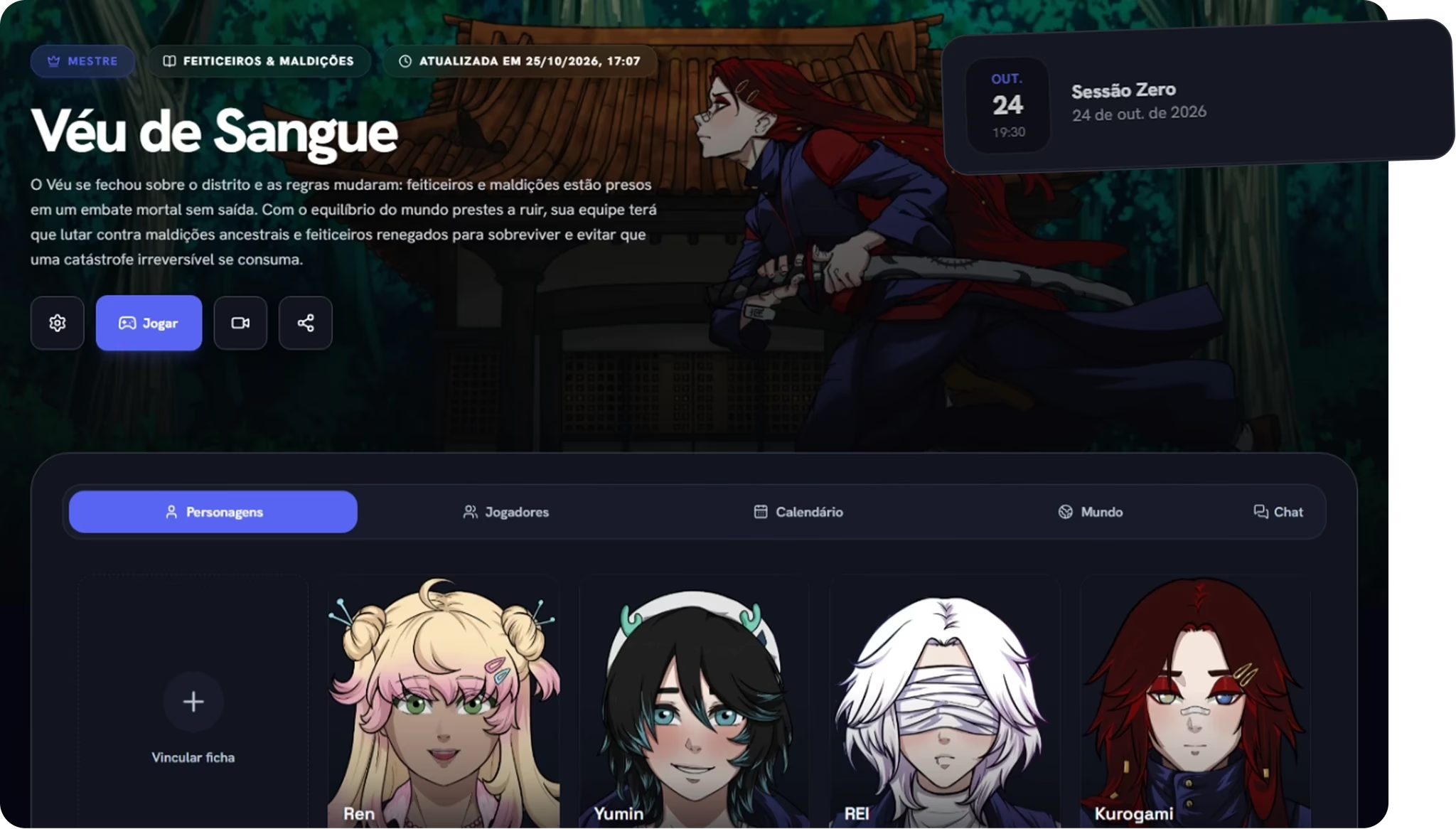
Character sheets, documents, worlds and your files open in the usual Mini Kraken interface. Alt+K or the Kraken group in the scene controls takes you straight there.
Mini Kraken Foundry VTT
The official module opens Mini Kraken in a Foundry window: character sheets, documents, libraries and token tools, with rolls landing in the world chat.
Free and open module for Foundry VTT v14. Your Mini Kraken account.
Character sheets, documents, worlds and your files open in the usual Mini Kraken interface. Alt+K or the Kraken group in the scene controls takes you straight there.
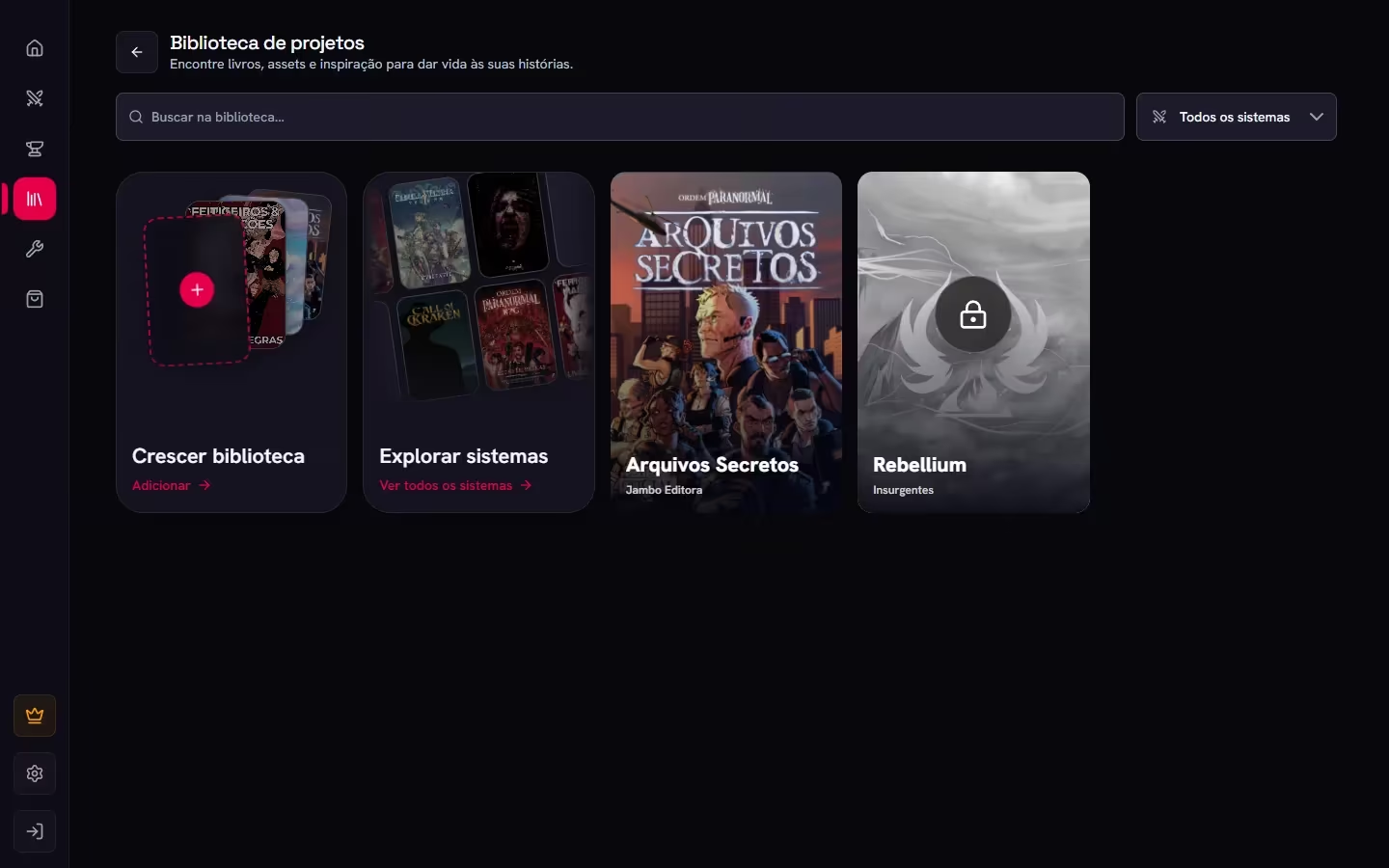
Publisher books and your personal gallery come along. Send to Foundry turns a map, handout, audio or token into a journal, a playlist or a file in the world.
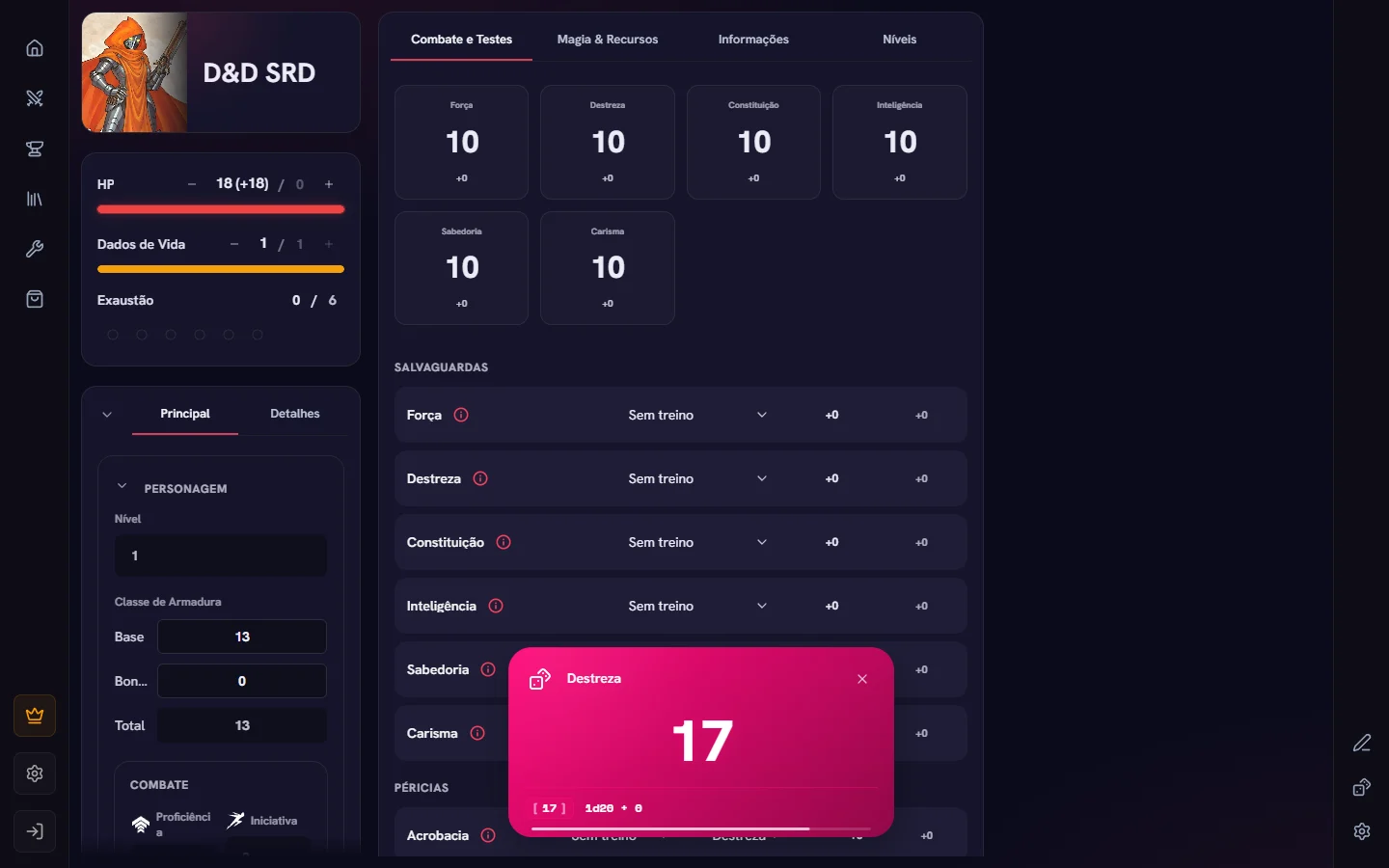
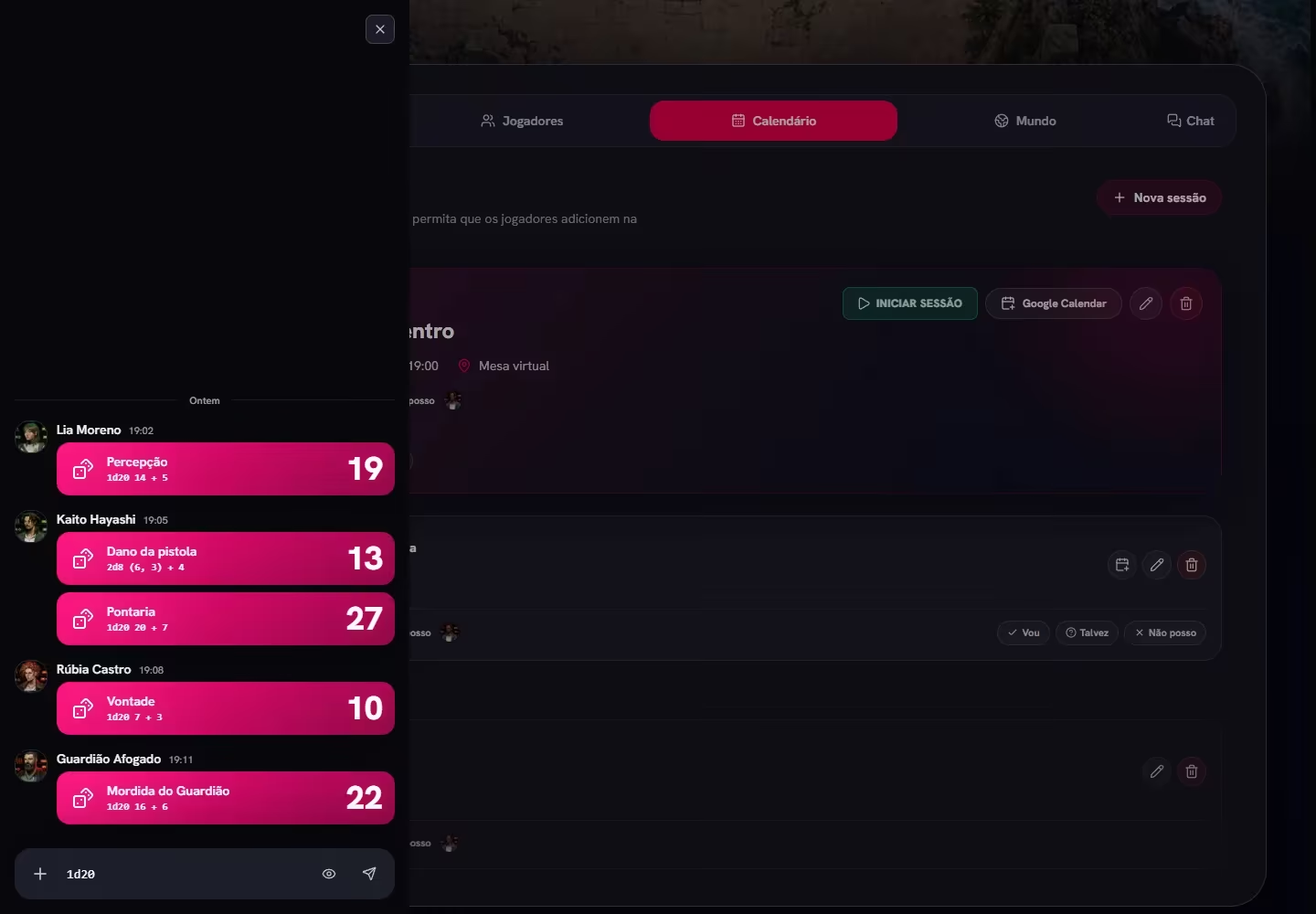
Rolls from sheets, dice and creatures land in the world chat, with each roll's privacy: public, GM only, blind or just for you. Attachments, world cards and handouts shown at the table come too.
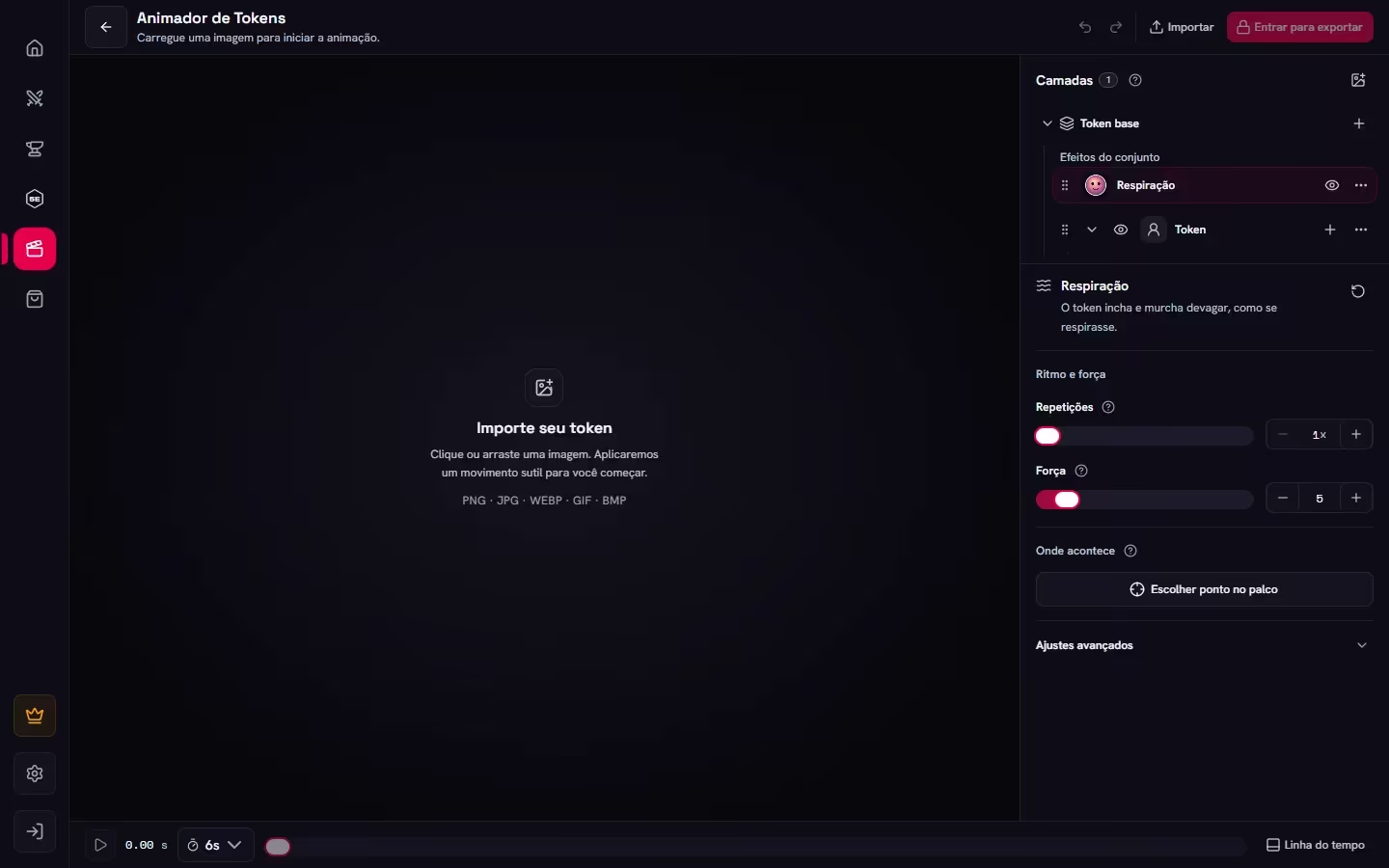
Animate a token or crop a portrait and save the result straight into the Foundry files, ready for your scenes.
Three steps
In Foundry's setup screen, open Add-on Modules, click Install Module and paste the manifest URL at the bottom.
Launch the world, open Manage Modules in the settings and turn on Mini Kraken.
Press Alt+K or the Kraken in the scene controls. Each player confirms the code shown in the window with their own Mini Kraken account.
See how Mini Kraken's own 3D tabletop compares with Foundry, and when it pays to use both.